The release of the iPhone 17 has reignited the excitement of tech enthusiasts everywhere, bringing with it a host of new features and refinements that make switching phones more tempting than ever. But for many, the idea of moving to a new device is quickly overshadowed by the dreaded task of transferring years of personal data, from messages and contacts to cherished photo libraries. For anyone who has ever scrambled through multiple apps, cloud services, and vague tutorials just to keep their conversations and memories intact, Wondershare MobileTrans offers a refreshingly simple solution. 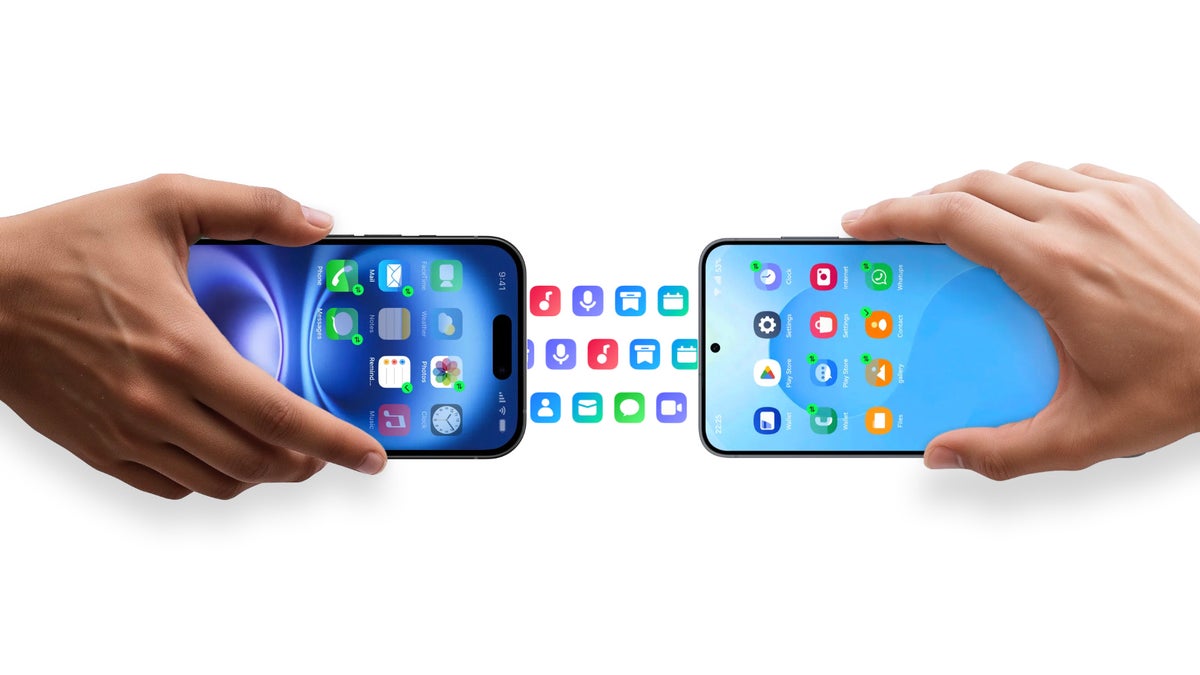
A smarter way to move everything you care about
Wondershare MobileTrans functions like a professional moving service for your digital life. It doesn’t just carry over your contacts and photos; it also brings across messages, videos, music, call logs, and even app data, ensuring that your new iPhone 17 feels immediately familiar. The app is cross-platform, which means it works seamlessly whether you’re upgrading from an older iPhone, switching from Android to iPhone, or even migrating between Android models. Instead of juggling multiple backup systems, MobileTrans condenses the process into a smooth, three-step transfer that requires almost no technical knowledge.
The WhatsApp transfer advantage
One of the standout features of MobileTrans is its ability to handle WhatsApp data. Historically, users switching between iOS and Android had to accept losing old messages, or worse, piecing together conversations out of order. MobileTrans changes that. It allows for a complete and accurate migration of WhatsApp history, including the ability to merge chat logs from different platforms into one continuous thread. This means that if you’ve jumped between operating systems over the years, your conversations won’t be fragmented or overwritten – they’ll be preserved exactly as they should be. Attachments like images, videos, and voice notes stay linked to the right messages, saving countless memories that could otherwise vanish.
Desktop and mobile options
Flexibility is another reason MobileTrans stands out. While many transfer tools require a computer, MobileTrans offers both a robust desktop application and a handy mobile app. On desktop, you can enjoy the classic ‘plug-and-transfer’ setup for quick, large migrations. On mobile, you can connect devices directly with a cable or transfer wirelessly, perfect for users who rarely use a laptop. This versatility ensures that even if your old computer is sitting unused in a drawer, you still have a reliable way to carry everything over to your iPhone 17.
Patience rewarded with thorough transfers
Moving your digital life isn’t always instantaneous, and MobileTrans is transparent about that. It can handle up to ten types of mobile data, including apps and app data, calendars, documents, and notes. Transferring so much information may take some time, but the payoff is worth it. Instead of spending hours manually hunting down files and reinstalling apps, you can simply let MobileTrans work in the background while you relax, knowing that the tool is ensuring accuracy and completeness.
Try it for free before committing
MobileTrans also operates on a freemium model, giving users the chance to test its abilities without an upfront cost. The free tier allows you to perform a backup and preview the files captured, along with limited photo and video transfers. You can also test out useful extras, such as converting HEIF images to more common JPEG or PNG formats and removing duplicate contacts. When you’re ready for the full transfer, you can choose between a one-time monthly subscription or a perpetual license, depending on how frequently you anticipate needing such a service. For those who only want WhatsApp transfers, there’s even a dedicated plan focused solely on that feature.
Ready for the iPhone 17 and beyond
Perhaps the most reassuring aspect of MobileTrans is that it’s always kept up to date. The team consistently ensures compatibility with the newest devices and iOS versions, so when Apple drops a flagship like the iPhone 17 – or future models such as the rumored iPhone Air – MobileTrans is prepared. This commitment to updates makes the app a long-term companion rather than a one-off tool.
Why it matters in 2025
In today’s smartphone landscape, innovation moves quickly. Foldables, specialized camera controls, and ecosystem shifts are tempting people to try devices they may have avoided in the past. But switching phones used to mean sacrificing convenience or losing irreplaceable information. By filling this gap, MobileTrans gives users the freedom to explore new hardware without fear. Curious about what Samsung or Google has to offer? Tempted by Apple’s new button or design features? With MobileTrans, the decision becomes about features and experiences, not about data headaches.
Final thoughts
Switching to a new iPhone 17 – or any other cutting-edge device – should be exciting, not stressful. Wondershare MobileTrans streamlines the process so you can focus on enjoying your new phone rather than worrying about what you might lose. Whether you’re transferring entire app ecosystems, preserving years of WhatsApp chats, or simply making sure your photos arrive intact, MobileTrans transforms what used to be a frustrating ritual into a straightforward routine. In 2025, when our digital lives are more central than ever, tools like this make the difference between a smooth upgrade and a stressful transition.
1 comment
bro this is a lifesaver, last time i switched phones i lost like 2 years of chats