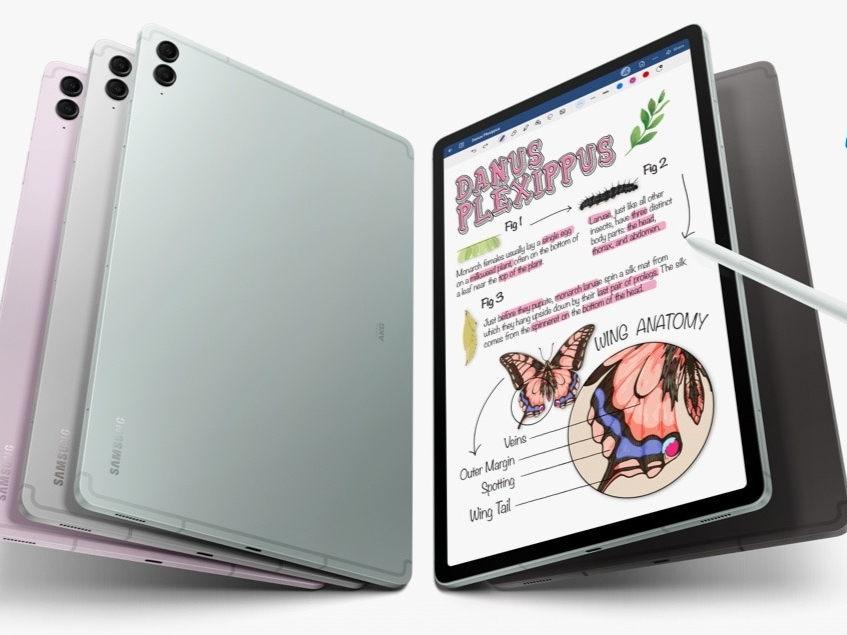
Samsung’s One UI 8.0 Update Reaches Galaxy Tab S10 FE Before Premium Models
Samsung continues its fast-paced rollout of the highly anticipated One UI 8.0 software, and this time, the focus is on the company’s Fan Edition tablets. Surprisingly, the update has landed on the Galaxy Tab S10 FE series ahead of some of Samsung’s high-end flagship tablets, stirring excitement among mid-range users while leaving premium device owners waiting in line.
Over the last few weeks, Samsung has shown an aggressive strategy in distributing Android 16-based One UI 8.0 across its ecosystem. Just hours before this release, the Galaxy Tab S9 lineup also started receiving the update. Now, Galaxy Tab S10 FE and Tab S10 FE+ users in South Korea are next in line to enjoy the refreshed interface and new set of features. The update is tied to firmware version ending in BYI7, currently available only in South Korea, but global markets are expected to follow in the coming days.
How to Install One UI 8.0 on the Galaxy Tab S10 FE
For South Korean users with a Galaxy Tab S10 FE or S10 FE+, accessing the update is straightforward. Navigate to Settings » Software update » Download and install. Once downloaded, selecting Install now will reboot the tablet and apply the update. The installation process typically takes only a few minutes, after which the device will restart with the new interface and features in place.
Interestingly, Samsung’s choice to prioritize its FE tablets over premium models like the Galaxy Tab S8 has sparked discussion. Despite the S8 being a pricier and more powerful device, it has yet to receive the Android 16-based firmware. This staggered release strategy may be linked to Samsung’s testing cycles, carrier approvals, or simply the company’s attempt to show FE owners that they are not being overlooked.
What’s New in One UI 8.0 for Tab S10 FE?
The One UI 8.0 update introduces a broad range of functional upgrades and visual refinements. One of the standout changes is a redesigned Quick Share feature. Instead of a simple pop-up, Quick Share now uses a full-screen layout with clearly separated tabs for sending and receiving files, making content sharing more intuitive.
Samsung’s Internet browser has been overhauled with a cleaner, modern interface. Productivity-focused apps such as Calendar, Reminders, and Alarms also receive enhanced management tools, ensuring smoother organization of daily tasks. For power users, Samsung DeX undergoes its most notable transformation yet. Built upon Android 16’s native Desktop Mode, DeX now allows free rotation (90, 180, 270 degrees), giving users more flexibility in how they view and interact with apps in desktop-like settings. Multitasking has also been polished, offering better side-by-side app handling.
Additionally, Modes and Routines gain fresh actions and conditions, allowing deeper automation possibilities. Profile Card and Secure Folder see tightened security and usability improvements, while Bluetooth Auracast support extends audio sharing capabilities. Even smaller system apps like the Weather app benefit from revamped visuals and richer data presentation.
Why This Update Matters
For Galaxy Tab S10 FE users, One UI 8.0 represents more than just an interface refresh – it transforms how the device fits into productivity, entertainment, and everyday workflows. By rolling it out early to FE tablets, Samsung is signaling that mid-range devices remain a crucial part of its strategy, not merely afterthoughts behind flagship models. For many, this move enhances the value proposition of choosing a Fan Edition device, offering premium-level software innovation without the premium price tag.
As the update makes its way to more regions, the coming weeks will show how quickly Samsung extends the rollout to the rest of its tablet and phone lineup. Until then, FE users enjoy a rare advantage: being first in line for Samsung’s biggest software leap of the year.
2 comments
still waiting on my S8 update smh
DeX rotation sounds dope for multitasking