Samsung has officially lifted the curtain on One UI 8, its customized version of Android 16, marking another milestone in the company’s ongoing effort to blend personalization, security, and AI intelligence into its Galaxy ecosystem. After several months of beta testing, the stable release is now rolling out, beginning with the Galaxy S25 series in South Korea, and soon expanding worldwide across a broad range of Galaxy phones and tablets.
For those unfamiliar, One UI is Samsung’s software interface layered on top of Android. Over the years, it has evolved from being a cosmetic skin to a feature-packed platform shaping how users interact with their devices. One UI 8 continues that tradition by enhancing AI-powered functionality, bolstering security, and fine-tuning user personalization options. 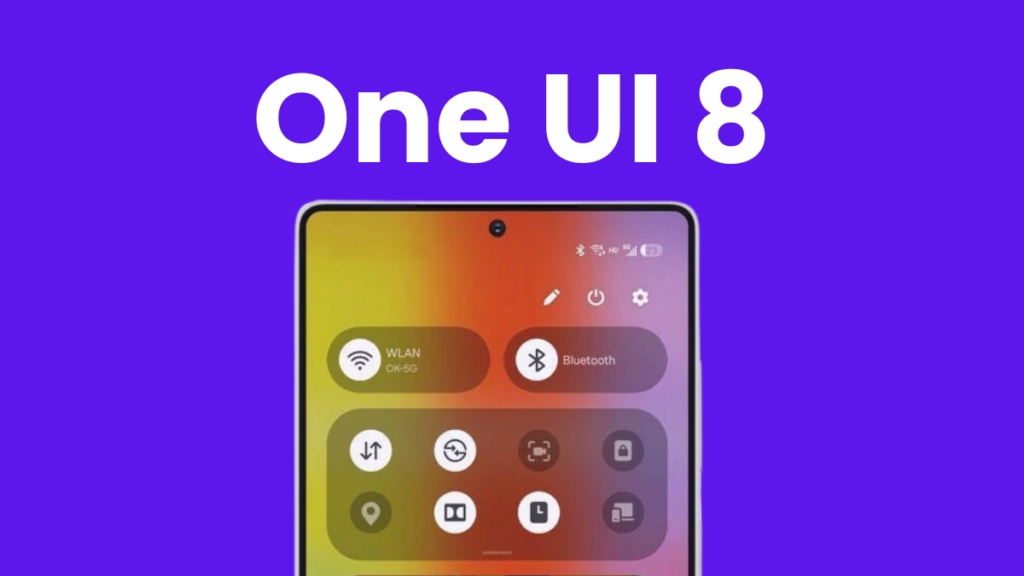
This release is not just a facelift – it’s a step forward in Samsung’s long-term strategy of tightly weaving artificial intelligence into everyday digital life.
Eligible devices for One UI 8
Samsung confirmed a long list of phones and tablets that will receive One UI 8. Here’s the complete rollout list:
Phones
- Galaxy S25 series, Galaxy S24 series, Galaxy S24 FE
- Galaxy Z Fold 6, Galaxy Z Flip 6
- Galaxy S23 series, Galaxy S23 FE
- Galaxy Z Fold 5, Galaxy Z Flip 5
- Galaxy S22 series
- Galaxy Z Fold4, Galaxy Z Flip4
- Galaxy S21 FE
- Galaxy A56 5G, A55 5G, A54 5G
- Galaxy A36 5G, A35 5G, A34 5G
- Galaxy A26 5G, A25 5G, A17 5G, A17
- Galaxy A16 5G, A16, A15 5G
- Galaxy A07, A06 5G, A06
- Galaxy A73 5G, A53 5G, A33 5G
Tablets
- Galaxy Tab S10 series, S10 FE, and S10 Lite
- Galaxy Tab S9 series and S9 FE
- Galaxy Tab S8 series
The rollout is staged, with the Galaxy S25 family being the first to receive the update. In the following months of 2025, it will cascade down to the Galaxy S24 series, Z Fold 6, Z Flip 6, S24 FE, and eventually the rest of the supported devices.
What’s new in One UI 8?
One UI 8 goes beyond minor refinements. Its main focus is weaving AI into the user experience. Samsung introduces Gemini Live, which delivers real-time contextual understanding – whether that means instantly translating text on-screen, assisting during a game, or interpreting visual cues without switching apps. Circle to Search makes searching as simple as drawing a circle, allowing users to grab translations, product details, or quick facts directly from whatever they’re viewing.
Samsung also debuts Now Bar and Now Brief, both designed to push timely information into the user’s workflow. From entertainment suggestions to personalized health tips, these additions reduce the need to open multiple apps, instead surfacing relevant updates right where they’re needed. Combined with AI Results View and multi-window enhancements, multitasking becomes more seamless across large screens like the Z Fold or Tab S10.
Security and privacy reinforced
Samsung knows security is a top concern. One UI 8 strengthens Galaxy’s ecosystem with Knox Enhanced Encrypted Protection, Knox Matrix, and new Secure Wi-Fi with post-quantum cryptography. These upgrades aim to make Galaxy devices more resilient against both present-day cyber threats and future quantum-based attacks. Whether on public Wi-Fi or in sensitive work environments, users gain an extra layer of protection.
Personalization and creativity tools
True to Samsung’s philosophy, One UI 8 offers deeper personalization. Features such as customizable clocks and wallpapers, Portrait Studio for pets, and Audio Eraser for cleaning background noise in videos highlight the brand’s creative direction. FlexWindow optimizations on foldable devices allow users to get more done without fully unfolding the phone, and accessibility perks like Call Captions and Interpreter enhance communication inclusivity.
Final thoughts
While One UI 8 might not be revolutionary, it feels like an evolutionary step that blends security, personalization, and AI into a smoother package. For Galaxy users, it’s a substantial upgrade worth trying once it hits their devices. And as always, early adopters will test the waters, so cautious users can simply wait a few weeks to gauge performance and stability feedback from the community.
1 comment
looks good but i’ll wait before updating lol