Samsung’s upcoming One UI 8.5 update is shaping up to be one of the most privacy-focused iterations of its custom Android skin yet. Among the new features being introduced, the standout is a tool called Privacy Protection, which automatically safeguards sensitive information found in your photos before you share them. 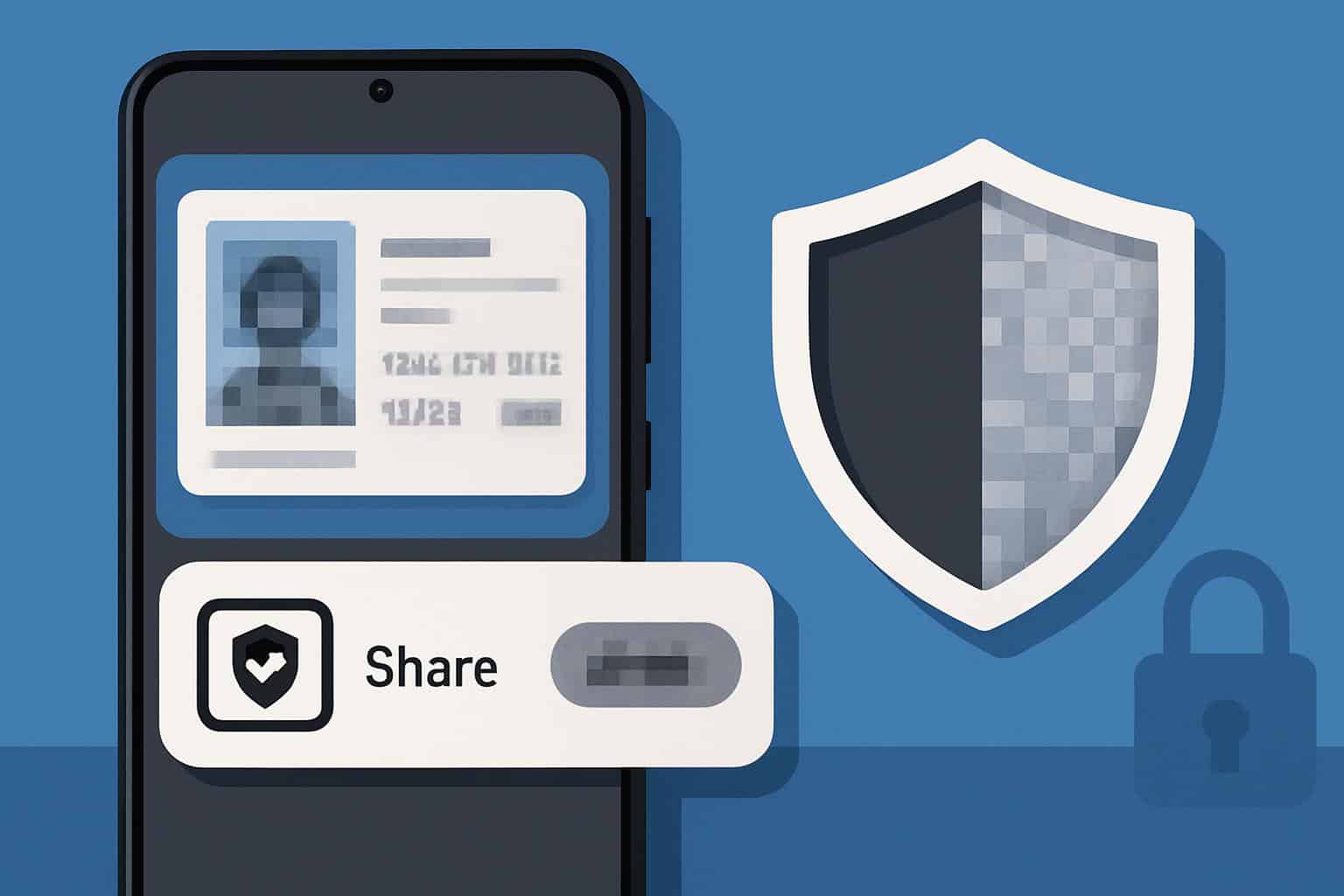
With more people exchanging digital documents and images every day, this new functionality could prove to be a game-changer for user security.
What Privacy Protection actually does
The Privacy Protection tool is designed to automatically identify and hide personal or sensitive data within images. Think of situations where you need to send a picture of your passport, driver’s license, or even a bill. Normally, you would have to manually edit the image and blur out details like your ID number or address. With One UI 8.5, Samsung is making that process far simpler by letting the system analyze the image and intelligently blur or redact sensitive fields with just a couple of taps.
Once you attempt to share an image from your gallery, the sharing menu will include a More section that reveals Privacy Protection. Tapping on it prompts the device to scan the picture, detect personal information, and instantly apply redactions. Samsung even allows users to select how they want the content to be hidden, offering multiple redaction styles including pixelated blur or solid block-out, depending on your preference.
Easy control and flexibility
One of the highlights of this feature is that it isn’t rigid. You can open a detailed screen where you control what should remain visible and what should be hidden. There’s also a Compare button that lets you toggle between the original and the protected version side by side, ensuring that you’re confident with the final image before sending it off. Once satisfied, you can either share the protected file immediately or save it for future use.
From China-exclusive to global rollout
This isn’t entirely new technology. Samsung first tested a similar redaction tool in earlier versions of One UI, but access was restricted to China. Now, with One UI 8.5, the feature is being rolled out globally, expanding its usefulness to millions of Galaxy device owners around the world. This global release underscores Samsung’s growing commitment to user privacy, especially at a time when digital security is under more scrutiny than ever.
AI likely powering the feature
While Samsung hasn’t officially detailed the underlying technology, there are strong indications that on-device AI may be doing the heavy lifting here. The company could be using something like its integration with Gemini Nano AI to detect sensitive areas in photos without needing to upload anything to the cloud, which is essential for maintaining user trust. Keeping all analysis offline ensures your private data never leaves your phone while still giving you powerful protection features.
Why it matters
In everyday life, users often share screenshots, IDs, tickets, or other documents through messaging apps and social media. Having a built-in tool that automates privacy redaction saves time, reduces the chance of human error, and makes it easier for less tech-savvy users to stay secure. It’s also an example of Samsung blending usability with security, ensuring privacy tools aren’t just available, but also simple and accessible for everyone.
As One UI 8.5 rolls out, this feature could become one of the most talked-about additions, signaling a future where privacy tools are no longer optional extras but a standard part of our smartphone experience.
4 comments
this should have been there years ago tbh
idk why ppl send IDs over chat anyway 🤦
Finally Samsung doing something useful, nice!
lol imagine sending ur passport without this, risky af