Samsung continues refining its software ecosystem beyond the big One UI 8 refresh, and this time it’s the Samsung Notes app getting attention. The latest update, version 4.4.30.63, brings two notable upgrades: landscape page layout support and sticky notes.
The landscape option doesn’t just mean you can turn your device sideways – it allows you to create note pages that are permanently set in horizontal orientation. 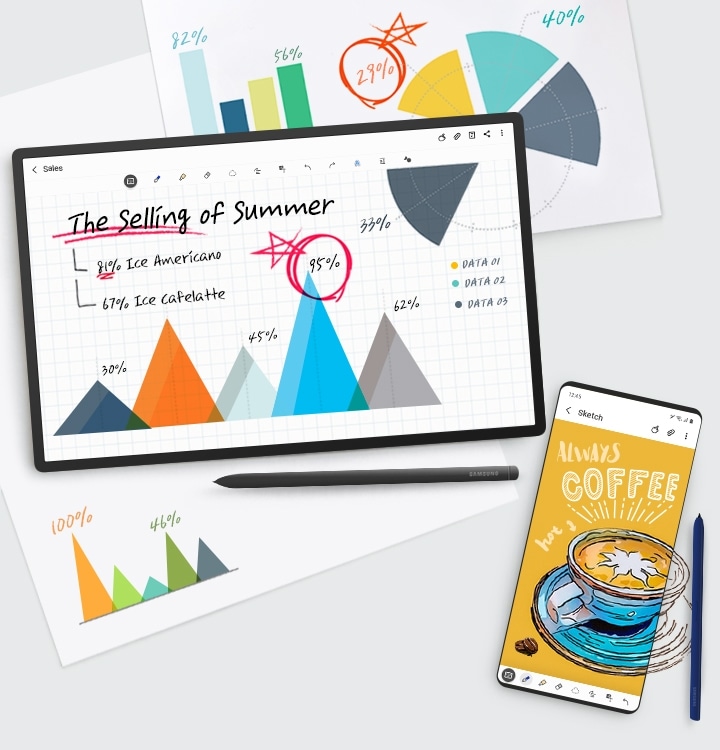
This is particularly handy for larger screens such as the newly introduced Galaxy Tab S10 Lite and the upcoming Galaxy Tab S11 and S11 Ultra, making them feel more like digital notebooks or sketchpads.
Meanwhile, sticky notes add a simple but powerful tool for jotting down quick reminders and to-do lists without diving into full documents. It’s a small tweak that aligns Samsung Notes more closely with productivity apps people already rely on for fast note-taking.
At the moment, the update is limited. Only select devices running the One UI 8 beta can install version 4.4.30.63. Those still on One UI 7 remain stuck with older builds, and even Samsung’s newest foldables – despite launching with stable One UI 8 – cannot yet access this release. Broader availability will likely follow once testing wraps up.
For now, these changes hint at Samsung’s broader push to make its first-party apps as polished and flexible as its system interface, with a clear focus on tablets and productivity users.
4 comments
i want this on my s22 now pls
finally! landscape notes on tablets 😍
sticky notes sound basic but honestly useful af
not impressed, just copying other apps