Samsung has always pushed the boundaries of Android customization with its One UI skin, and for those who want to take personalization even further, the company offers Good Lock – a modular app suite that can reshape the way your Galaxy device works. But here’s the twist: even if you don’t care about tweaking themes, widgets, or navigation gestures, there’s one particular Good Lock add-on that deserves your attention. It’s called Keys Cafe, and it’s more than just a keyboard customization tool – it doubles as a clever typing trainer, complete with mini-games designed to sharpen your touchscreen skills.
Why Keys Cafe Stands Out
Most Good Lock modules focus on letting you rearrange menus, alter multitasking, or restyle the lock screen. Keys Cafe does offer plenty of that – you can remap keys, redesign layouts, and even add funky sound effects to every tap. 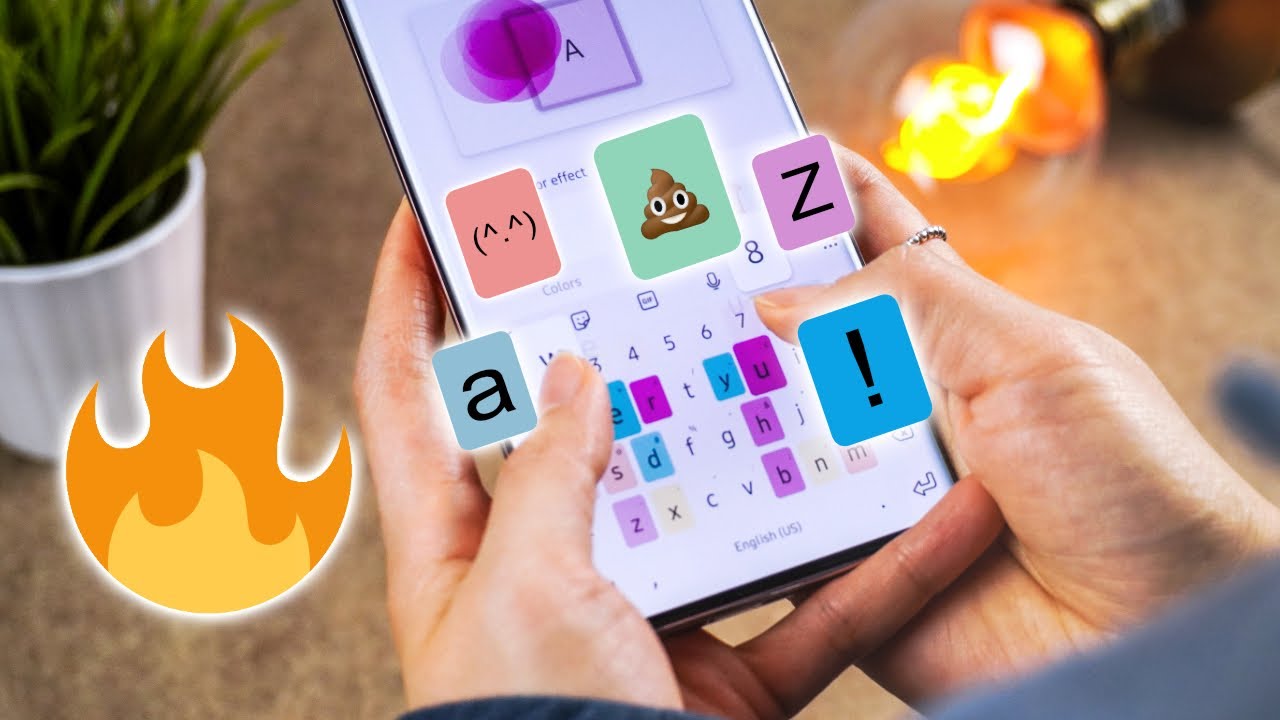
But what sets it apart is a hidden feature: playful typing games that transform something mundane into something addictive and productive. These games are not an afterthought; they are integrated directly into the app, with no need for extra downloads or third-party logins. And unlike most mobile mini-games, they are completely free of advertisements or in-app purchases.
Game One: Sentence Practice
The first training mode, called Sentence Practice, is essentially a typing test with real-time scoring. The app feeds you random sentences to type, and once you’re done, it analyzes your speed and accuracy. The clever part is the choice it forces you to make: do you take the time to fix every typo, slowing yourself down but ensuring a perfect accuracy score, or do you blaze ahead, accept a few mistakes, and chase raw words-per-minute performance? Either way, it’s a subtle way of teaching balance, which is precisely what efficient touchscreen typing demands.
Sentence Practice can feel surprisingly engaging. For anyone who spends hours a day messaging, emailing, or writing notes on a phone, this mode is a low-stakes way to discover how your fingers really perform. Over time, you may notice fewer autocorrect mishaps and smoother text entry in everyday use.
Game Two: Word Rain
If Sentence Practice feels like a warm-up, then Word Rain is where things get intense. Picture this: words begin to fall from the top of your screen like drops of rain, and you have to type them out before they hit the ground. Fail to do so, and the water level at the bottom rises higher and higher until your character eventually drowns. The pressure builds quickly, creating a fast-paced challenge that mixes gaming with typing drills.
Word Rain tracks your best scores, encouraging you to beat your previous record. It’s essentially gamified learning, where the only way to succeed is to type faster and more accurately. That makes it more engaging than a typical typing test, and many players find themselves hooked after a few rounds. It’s also a rare example of a mobile game that’s not just entertaining but actively useful.
Polished, Simple, and Ad-Free
What makes these games shine is their simplicity. They load instantly, don’t bombard you with pop-ups or upgrade prompts, and they strip away crutches like autocorrect, forcing you to rely on your actual skill. There’s also no hidden monetization model – no coins, no cosmetic skins, no energy timers. You simply play, improve, and repeat.
The only notable limitation is that the typing games are available only in English and Korean. While that narrows accessibility for some users, the minimalist approach helps keep the experience clean and distraction-free. And given that English is widely used in tech and communication, many users can still benefit regardless of their default system language.
A Hidden Gem in the Galaxy Ecosystem
Keys Cafe is a reminder that Samsung’s Good Lock platform isn’t just about power users or customization enthusiasts. Sometimes it hides features that can help any Galaxy owner in day-to-day productivity. Whether you want to improve typing speed for professional reasons or just want a fun way to kill a few minutes on the train, these typing games hit the sweet spot.
If you haven’t yet explored Good Lock, you can download it from the Galaxy Store or, in some regions, from Google Play. Once installed, grab Keys Cafe and try out the games for yourself. You might be surprised to discover that the most enjoyable part of Good Lock has nothing to do with flashy customization at all, but with making you a faster, more accurate communicator.
2 comments
word rain feels like tetris but stressful 😂
why is this hidden inside good lock?? samsung marketing fail