Nintendo has quietly rolled out system software update 21.0.0 for both Nintendo Switch and the newer Switch 2, and it is one of those patches that looks small at first glance but subtly reshapes how you use the consoles every day. 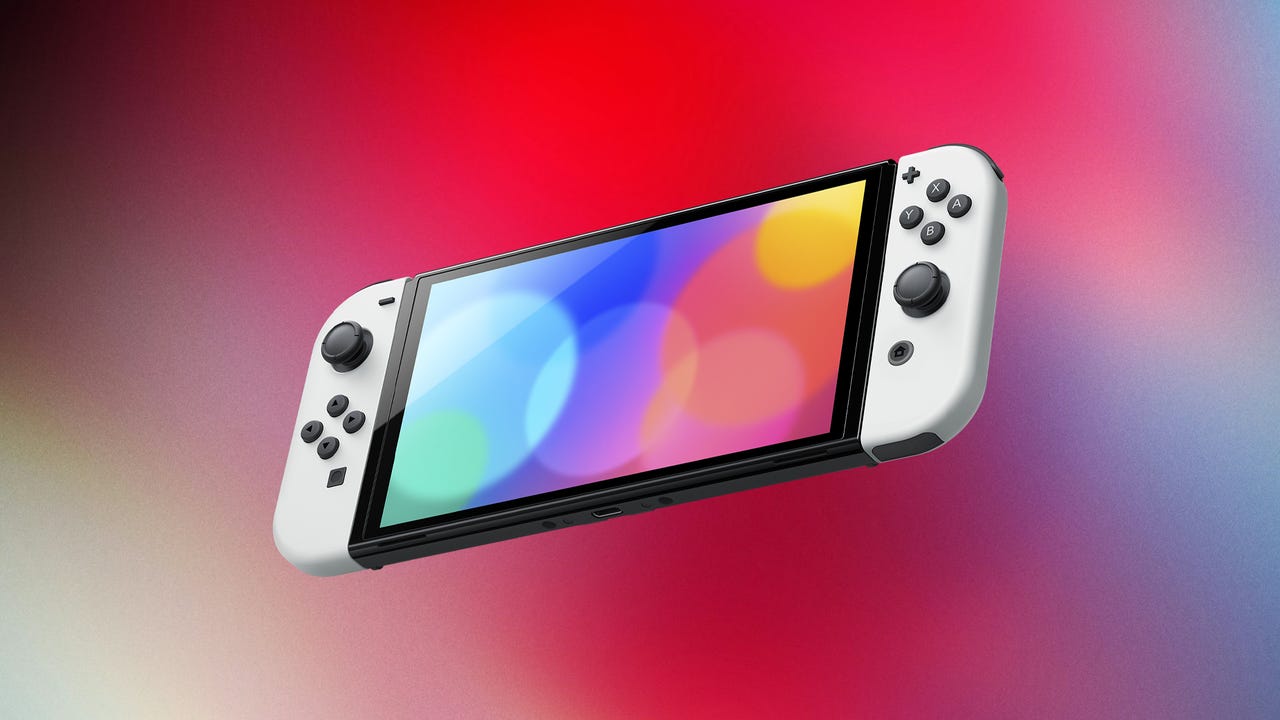
From better management of digital games to smarter Game Chat behaviour and fresh power saving options, this is less about flashy new apps and more about tightening the screws on the overall experience.
One of the most noticeable tweaks appears right on the Home Menu. Under version 21.0.0, you will now see a small symbol above your software icons that tells you at a glance whether a game is running from a physical cartridge or from your digital library. It sounds minor, but for players juggling multiple cartridges, big SD cards and shared family consoles, that instant visual cue makes it far easier to remember what is actually installed and what still needs a card inserted.
Game ownership and licenses also get a quiet quality of life bump. You can now set virtual game card data to download even if you have chosen to disable the Use Online License setting. In practice, that gives you more flexibility when managing your digital purchases, cloud entitlements and storage, without forcing you to constantly toggle license options on and off when you just want a title ready to go.
The Switch 2, meanwhile, benefits from several exclusive changes aimed at new owners. If your console came bundled with software such as Mario Kart World, update 21.0.0 can now prompt you automatically to download that bundled game instead of sending you hunting through menus or inputting long codes from the box. It is a small touch, but for parents setting up a console for kids, or anyone unboxing the system after a long day, that frictionless flow from setup to first race is exactly what you want.
Switch 2 Game Chat also receives meaningful upgrades. Previously, it was all too easy for a game to slip into sleep mode while you were still in the middle of a conversation. Now, your title stays awake while you keep chatting, so long strategy talks or post-match debriefs are not cut off by an overzealous sleep timer. On top of that, Game Chat remains stable when you change how the console is connected. Whether you dock the system and hop over to a wired connection or undock and fall back to wireless, the chat session now continues instead of dropping out while the hardware switches modes.
Power management gets a surprisingly important rebrand. The battery saving option that used to be described as stopping charging around 90 percent has been renamed to more accurately match what it does: it now clearly states that it will stop charging around 80–90 percent. The behaviour itself has not dramatically changed, but the wording finally lines up with reality. For players who care about long term battery health and like to avoid constant 100 percent top ups, this clearer description helps you trust that the feature is doing its job.
As usual for Nintendo system software, not every change makes it into the official patch notes. Players digging through the update report that it is now possible to disable auto playing videos in the eShop. That will be a huge relief for anyone tired of loud trailers blasting the moment they scroll over a tile, and it makes browsing for deals or new releases far more pleasant. Dataminers have also pointed to a new menu that lets you view your peak brightness value when adjusting HDR in TV mode, giving more precise feedback when you are tuning picture quality on different televisions.
Early community reactions are a mix of excitement and concern. Many users are happy about the subtle quality of life boosts, but a handful report that their dock setup seems to have stopped outputting to the TV after updating. In those cases, the console runs, but the TV input never shows a signal even after restarting both dock and Switch. At this stage, such reports appear anecdotal rather than a confirmed widespread bug, yet they are a reminder to double check HDMI cables, power bricks and TV inputs if something suddenly breaks after a firmware update.
The update has also prompted players to revisit older games and side patches. Some owners have noticed fresh updates for titles like Pikmin 4 landing around the same time, using the opportunity to dive back into their backlog now that the console itself feels more refined. Others debate pack in choices, joking that classics like Kirby Air Ride would make a better bundle than Mario Kart World, even as they acknowledge that any free racer packed with a console is hard to refuse.
Taken together, version 21.0.0 is not a radical overhaul but a solid foundation for the next stretch of the Switch and Switch 2 life cycle. Clearer icons, smarter prompts, more reliable Game Chat and better described battery care add up to a system that feels more modern and considerate of how people actually play. The hidden options for eShop videos and HDR fine tuning are the kind of small details that dedicated users notice immediately, and they help this update punch well above its low key version number.