Apple’s latest iOS 26.1 beta 4 update finally introduces a long-requested fix to one of the iPhone’s most annoying quirks: accidental camera launches from the lock screen. For years, users have complained about unintentionally opening the camera by swiping left, wasting battery and sometimes even capturing random blurry photos. 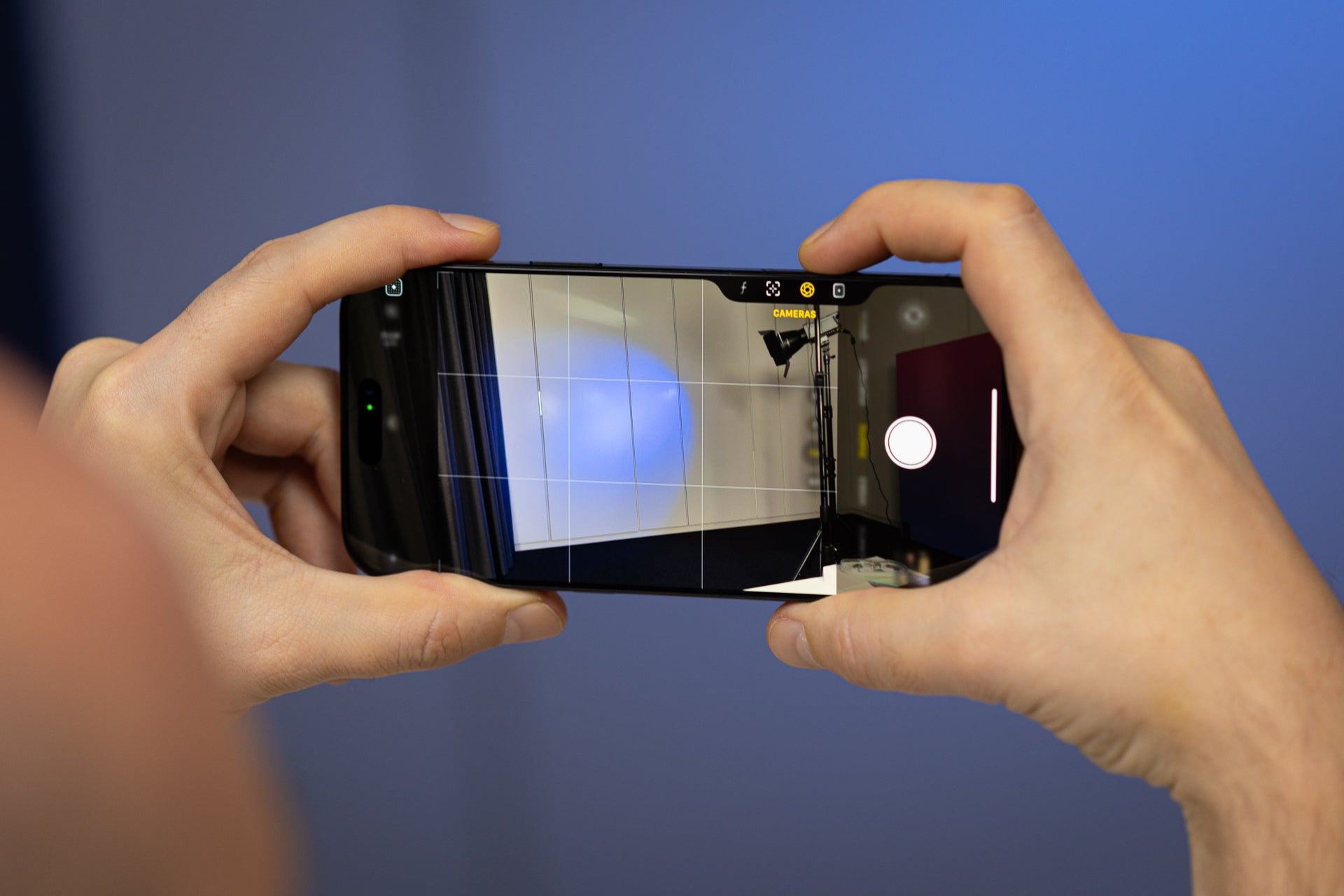
Now, Apple is finally listening, offering a new toggle that allows users to disable the “Swipe to Open Camera” gesture entirely.
The change was first spotted by tech enthusiast Aaron Perris, who shared a screenshot on X (formerly Twitter) confirming that the toggle has appeared in the latest beta release. With this addition, Apple continues its slow but steady march toward giving iPhone users more freedom over how their devices behave – a shift that stands in contrast to its historically strict design philosophy.
For years, Apple has maintained that its design choices were guided by simplicity and consistency, sometimes at the cost of flexibility. The camera swipe gesture was introduced as a fast way to capture photos without unlocking the phone, a clever idea back in the iPhone 5 era. However, as iPhones evolved, that gesture became less essential. Starting with the iPhone X, Apple added a dedicated camera icon to the lock screen. Later, with the iPhone 16 and iPhone 17 series, the company introduced the Camera Control button, giving users multiple redundant methods to open the camera – none of which could be disabled until now.
With iOS 26.1 beta 4, users finally have a way to streamline that experience. You can now go into settings and decide whether you want to keep the gesture, rely on the lock screen button, or just stick with the Camera Control key. For those who often find the camera mysteriously open in their pocket or bag, this update is a small but meaningful quality-of-life improvement.
This new feature joins another subtle but noteworthy addition in the same beta: an option to tone down the controversial Liquid Glass design that many found too flashy or distracting. Together, these tweaks show a clear trend – Apple is opening up more customization options in iOS than ever before, responding to a growing user demand for personal control rather than one-size-fits-all decisions.
Still, not everyone plans to disable the camera gesture. For some, the left-swipe motion is second nature – a muscle memory developed over years of iPhone use. Long-time users admit that while it’s nice to have the option, they’ll probably leave it enabled because it feels instinctive. Change, after all, can be harder than Apple’s glass back.
Regardless, iOS 26.1 beta 4 represents another step in Apple’s ongoing evolution. From visual tweaks to functional flexibility, the company is finally acknowledging that modern users value choice. It might have taken over a decade for Apple to grant this simple control, but for many iPhone owners, it’s better late than never.
2 comments
Great update but I still miss Touch ID 😭
Nice one Apple, now fix battery drain pls