Intel has rolled out its long-awaited update to the Application Optimization (APO) feature, marking one of the most substantial improvements in recent quarters. 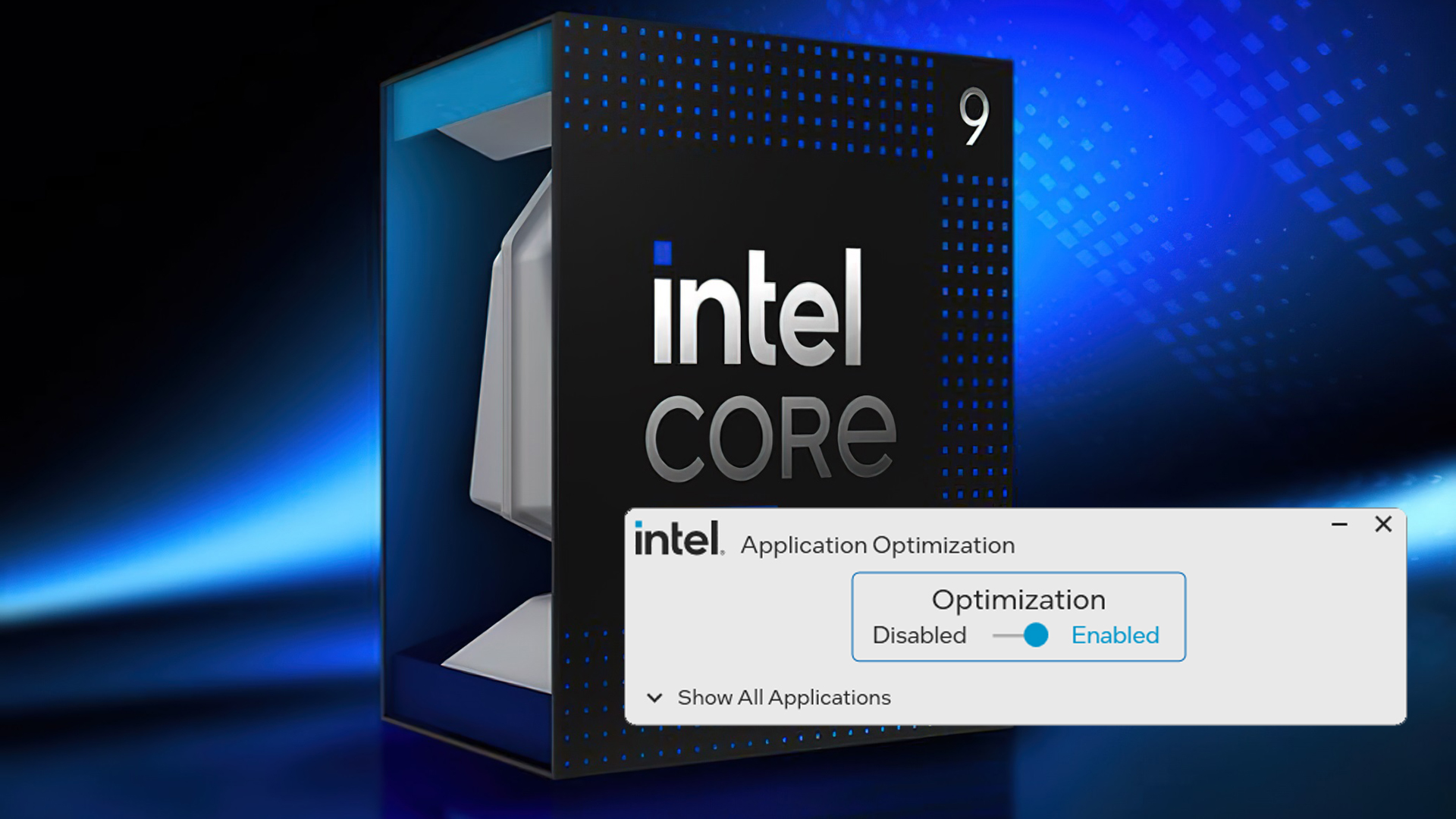
The update expands APO’s reach by introducing 15 new supported titles, aiming to deliver smoother gameplay and measurable performance boosts on Intel’s latest processors, including the 14th Gen lineup and the upcoming Arrow Lake-based Core Ultra 200 series.
For those unfamiliar, APO is Intel’s in-house optimization layer designed to fine-tune how games and demanding applications interact with modern CPUs. Instead of brute force performance, APO intelligently balances workloads between cores, helping to reduce frame stutters and improve consistency – something gamers often value even more than raw average frame rates. With this update, Intel claims performance gains of up to 14% in select titles such as Metro Exodus: Enhanced Edition, with many other supported games benefiting from single-digit boosts. In real-world terms, this means steadier frame pacing and better 1% lows, leading to a smoother experience during graphically intense moments.
The rollout covers a wide but not universal set of CPUs. For Arrow Lake, all desktop “K” models and the Core Ultra 200HX mobile chips are supported. On the 14th Gen side, Intel has greenlit APO for the desktop “K” processors as well as two mobile flagships: the Core i9-14900HX and Core i7-14700HX. Raptor Lake Refresh and other Core Ultra 200 models will also see the update, though Intel notes that some SKUs remain excluded. That said, enthusiasts point out that APO can also be unlocked in Advanced Mode on older generations (12th and 13th Gen CPUs) so long as the chip carries at least six performance cores – opening the door for a broader base of users to experiment with.
The newly added titles reflect a mix of competitive favorites and narrative-heavy experiences. Among the highlights: 7 Days to Die, Assetto Corsa, EA Sports FC 24, God of War, Like a Dragon: Infinite Wealth, The Callisto Protocol, and World of Warships. Niche but technically demanding games like Dyson Sphere Program and Kerbal Space Program 2 are also on the list, a nod to Intel’s effort to cover diverse gaming communities. With APO enabled, even sprawling city-builders like Cities: Skylines can benefit from smoother late-game performance when simulation loads become heavy.
Activating APO requires installing Intel Dynamic Tuning Technology (DTT) through the motherboard vendor’s support page. Once installed, APO runs in the background by default, automatically applying optimizations for supported titles. For users who want manual control, the Intel APO UI available on the Microsoft Store provides a dashboard to toggle settings per game, ensuring flexibility for enthusiasts who like to fine-tune their systems. Updates to the APO library also roll out automatically, so players will continue to see improvements without manual intervention.
Intel’s claim of hidden performance potential resonates with many users who argue that, with careful tuning, Intel CPUs can squeeze out meaningful gains even without hardware upgrades. However, the competitive context remains unavoidable: AMD’s Ryzen X3D chips continue to dominate pure gaming benchmarks, leading to inevitable debates about whether Intel’s software-first push is enough to tip the balance. Still, for existing Intel users, APO represents a practical way to extend the value of their investment and enjoy more consistent performance across a wider library of games.
2 comments
If you tune your Intel CPU right, there’s always hidden perf gains, APO just makes it easier
Still slow compared to AMD but hey, at least my mortgage is paid off lol