iFixit’s new teardown-and-repair overview of Apple’s M5 iPad Pro runs just shy of seven minutes, but the verdict lands quickly: even with Apple’s Self Service Repair program stepping in with dedicated tools and documentation, this tablet is still a tough nut to fix. The score creeps upward, not skyrockets – a provisional 5/10 – which is progress, yet a reminder that premium industrial design and user repair remain uneasy roommates.
What keeps the M5 iPad Pro stubbornly difficult? First, the display sits flush with the internals, sealed by strong adhesive rather than conventional fasteners. 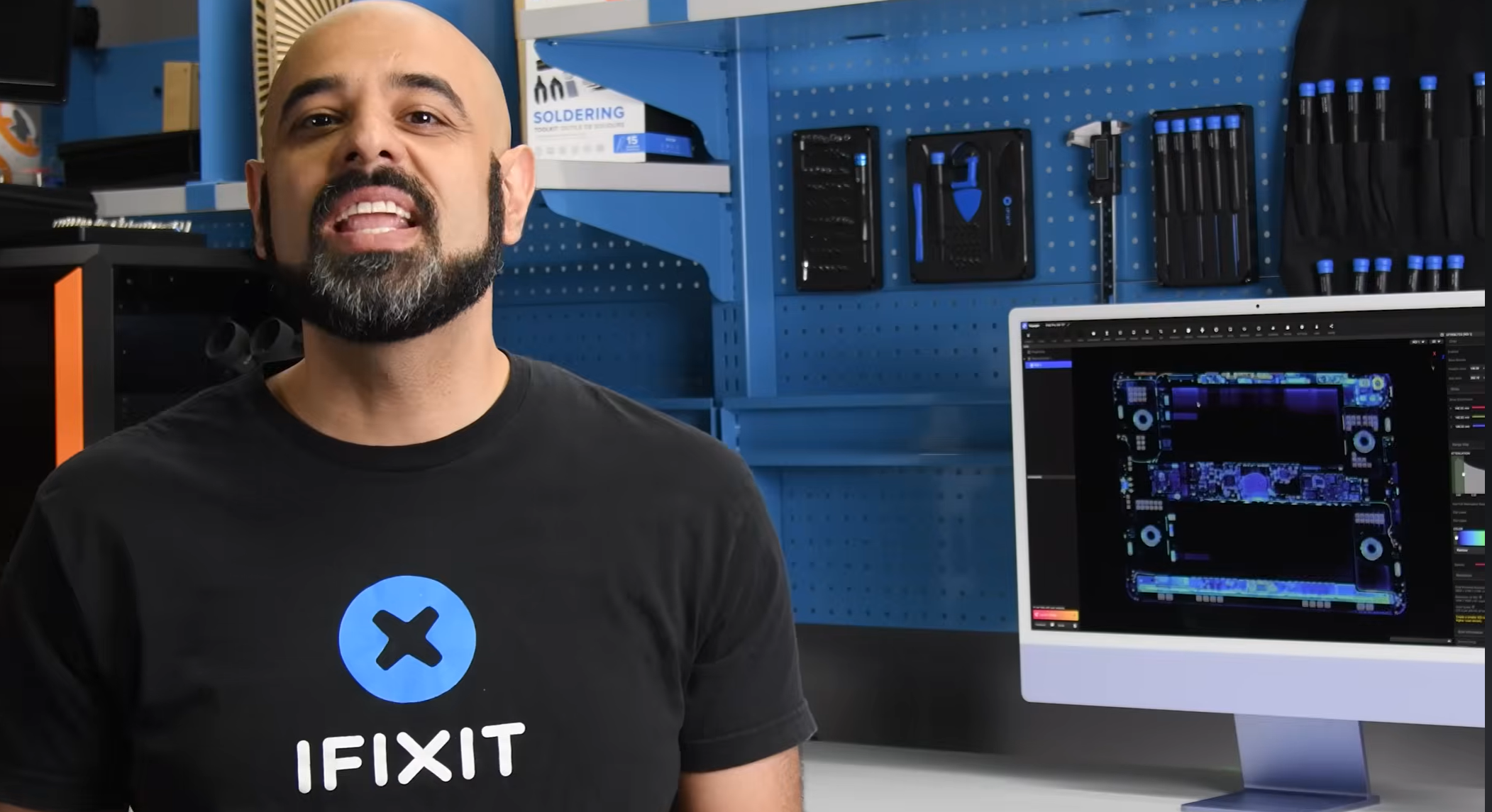
There are no intervening screws guarding the panel: you heat, you pry, you pray. iFixit demonstrates the dance – warming the perimeter to soften the glue, applying a clamp, and carefully sliding thin picks under the glass to work it free. Miss a step and that gorgeous, expensive screen becomes collateral damage.
Battery service is the second hurdle. On many laptops, batteries lift out after a few screws and tabs. Here, replacing the pack still starts with removing the entire display – the most fragile component in the device – before you can even touch the cells. If you were hoping for easy pull-tabs or modularity, temper those expectations. Apple does provide guidance via its self-repair manual and promises official parts availability in the coming months, but the path remains narrow and unforgiving for first-timers.
So why the bump to 5/10? Documentation and purpose-built tooling matter. The Self Service Repair program adds clarity about steps, torque values, and adhesive reapplication, and it offers jigs that hold the chassis steady while you lift or reseat the panel. That reduces guesswork and the likelihood of avoidable damage. It doesn’t change the fundamental design decisions – heavy adhesives, thin tolerances, limited part modularity – but it does give skilled hands a fighting chance.
Meanwhile, the M5 silicon justifies the iPad Pro moniker with audacious horsepower. Apple’s newest tablet SoC pairs four performance cores up to 4.60 GHz with six efficiency cores around 2.95 GHz, backed by 16 MB of L2 cache. Graphics duties fall to a 10-core GPU with a dedicated Neural Accelerator per core, and machine-learning tasks get another kick from a 16-core Neural Engine. Memory isn’t an afterthought either: 16 GB of LPDDR5X unified RAM at 4.8 GHz yields up to 153 GB/s of bandwidth, while Apple’s connectivity stack (C1 modem, N1 wireless) keeps throughput modern. In raw throughput, Apple positions the M5 as flirting with workstation territory – nearing the class once reserved for chips like the M1 Ultra – making the iPad Pro a monster for creative apps, code builds, and on-device AI.
The tension, then, is clear: performance so high you want to keep the machine for years, alongside a design that punishes mistakes when you try to maintain it. For most owners, official service channels will remain the low-risk route. For repair pros and confident hobbyists, Self Service can lower the barrier – just not all the way to easy. The adhesives are still there. The glass is still thin. The margin for error is still small.
What to watch if you attempt a repair:
- Heat discipline: Even, controlled heating around the perimeter is essential to avoid glass stress and OLED damage.
- Right tools: Clamps, calibrated picks, and alignment frames greatly improve your odds. Makeshift gear is a false economy.
- Adhesive re-seal: Proper surface prep and pressure during reassembly affect water and dust resistance.
- Data and calibration: Always back up before opening, and be ready to follow post-repair calibration steps noted in the manual.
iFixit’s 5/10 is best read as a nudge, not a revolution. The M5 iPad Pro remains a high-performance slab engineered for thinness and rigidity first, serviceability second. Apple’s growing documentation and parts pipeline are real improvements, and they may broaden the circle of people who can complete a safe battery swap or display replacement at home. But until adhesives give way to more modular subassemblies, repairable will continue to mean possible with patience, not simple.
1 comment
5/10 feels fair. Tools + docs help, but the screen-first teardown is still scary