Galaxy Watch 8 with Non-Samsung Phones: What Features Are You Missing?
The Samsung Galaxy Watch series has long been considered one of the best smartwatches for Android users. Even with the arrival of new competitors, such as the Pixel Watch 4, the Galaxy Watch remains a top contender for fitness tracking, notifications, and stylish designs. But what happens when you pair a Galaxy Watch 8 with a non-Samsung phone? While you might be excited about getting your hands on one, there are several features you may not get to enjoy if you’re using a phone that’s not part of Samsung’s ecosystem. So, how does the Galaxy Watch 8 perform on a non-Samsung device? Let’s take a deep dive into the features you’ll miss out on and the ones that still work just fine.
Compatibility Challenges with Non-Samsung Phones
The first thing to know is that Samsung has made it very clear that its Galaxy Watch 8 works best when paired with one of its own Galaxy phones. Although the Galaxy Wearable app is available on the Google Play Store, allowing you to sync your Galaxy Watch 8 with any Android device, certain features will still be inaccessible unless you’re using a Samsung phone.
What’s Locked Behind the Samsung Ecosystem?
Samsung’s ecosystem is tightly integrated, and many of its advanced health features are exclusive to users with Samsung phones. If you’re using a non-Samsung Android phone, you’re in for some limitations. Here’s a rundown of the key features that are either locked or restricted on non-Samsung phones.
Blood Pressure and ECG
One of the standout features of the Galaxy Watch 8 is its ability to track blood pressure and ECG (electrocardiogram). However, these health measurements require calibration with a cuff-based monitor to ensure accurate readings. The issue arises when you pair the watch with a non-Samsung phone; Samsung has limited this feature to its own devices for ease of control and accuracy. You can still manually log blood pressure readings in the Samsung Health app, but the automatic measurement feature will only work on a Galaxy phone.
Irregular Heart Rhythm Notifications (IHRN)
Another FDA-approved feature exclusive to Samsung phones is the Irregular Heart Rhythm Notification (IHRN). Like ECGs and blood pressure, this feature is meant to provide early warnings for irregular heart rhythms. For Samsung, ensuring accuracy and reliability is paramount, and that’s why IHRN is locked to their devices. While you can still monitor your heart rate on a non-Samsung phone, you won’t get access to these specialized notifications.
Sleep Apnea and Snoring Detection
While the Galaxy Watch 8 supports basic sleep tracking regardless of the phone it’s paired with, the more advanced Sleep Apnea detection feature is another casualty of the non-Samsung pairing. This functionality works only when the watch is paired with a Samsung Galaxy phone. However, Snoring Detection still works on all Android phones, so you’ll still be able to track your sleep habits to some extent.
What Still Works on Any Android Phone?
Fortunately, many of the core features of the Galaxy Watch 8 are available on any Android phone, regardless of the brand. Here’s a breakdown of what you can still use without being tied to a Samsung phone.
Samsung Health App
The Samsung Health app is one of the primary fitness and wellness hubs for the Galaxy Watch 8. You can install this app on any Android phone, and it provides access to general health features, including tracking steps, workouts, energy levels, and even sleep patterns. If you have a Galaxy Watch 8, you’ll still get data for these activities, albeit with some advanced features limited.
Energy Score
One of the exciting new features of the Galaxy Watch 8 is the Energy Score, which evaluates your overall wellness by analyzing heart rate, heart rate variability, sleep quality, respiratory rate, and more. The good news is that the Energy Score feature is available for non-Samsung phones as well. It provides you with a comprehensive breakdown of your health and energy levels based on your habits. However, if you’re hoping for AI-powered suggestions to improve your energy, that might not be as accurate without a Samsung phone.
Google Wallet Support
Although you can’t use Samsung Pay without a Galaxy phone, the good news is that the Galaxy Watch 8 supports Google Wallet. So, while you won’t get to use Samsung’s payment system, you’ll still have access to one of the most popular alternatives on Android phones.
Camera Control and Smart Features
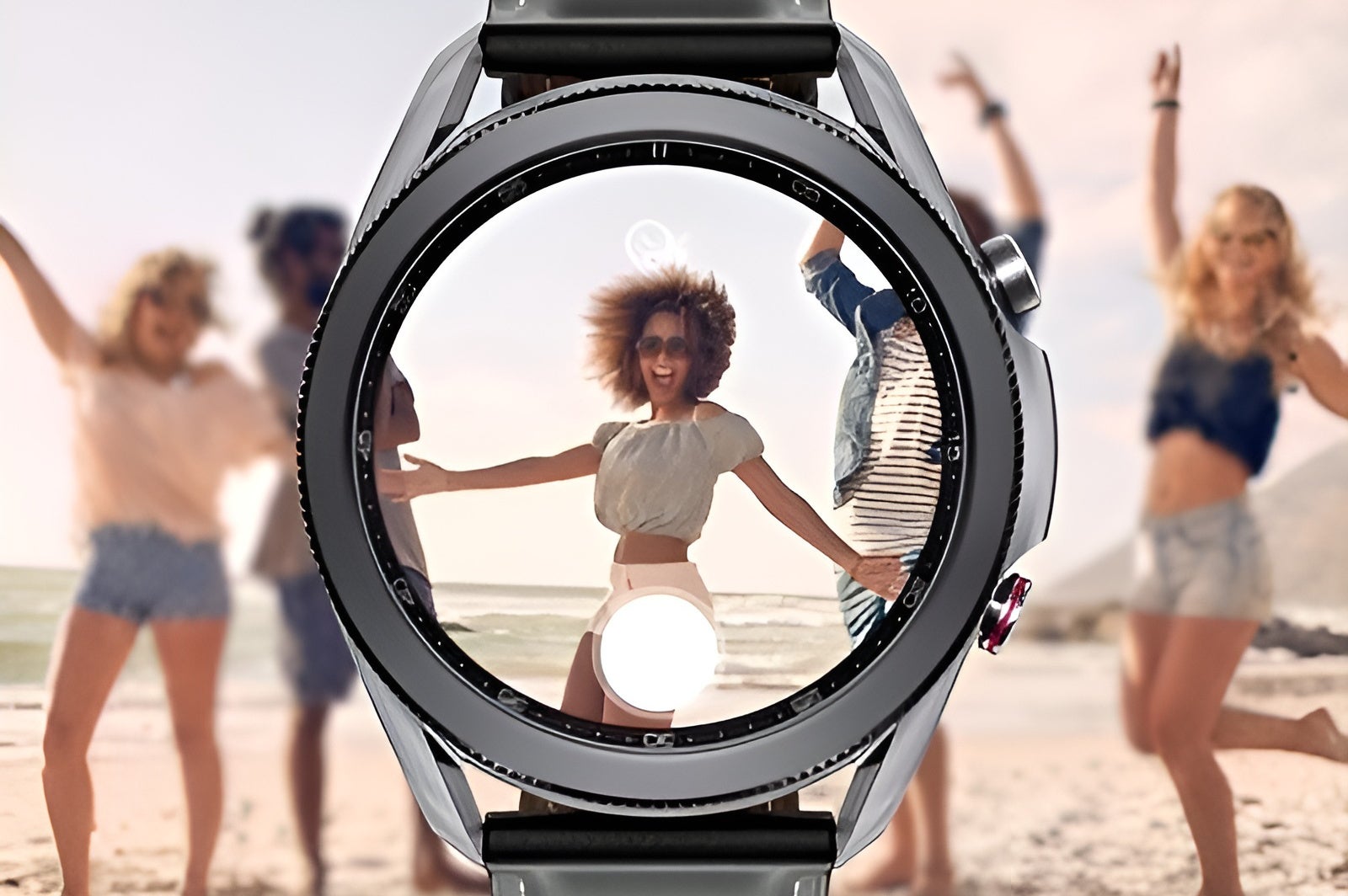
If you’re into taking photos and videos, you’ll appreciate the ability to use the Galaxy Watch 8 as a remote viewfinder for your phone’s camera. This feature is especially handy for vloggers and people who want to take group photos without relying on a timer. However, this feature only works when paired with a Samsung phone.
Additionally, the Galaxy Watch 8 offers AI-based quick replies for messaging apps, which works with any phone. But if you’re using a Samsung phone, these quick replies are more context-aware, tailoring responses based on your conversations.
Modes and Routines
The Modes and Routines feature allows you to automate specific actions on your Galaxy Watch depending on your location or activity. For example, you could set it to automatically enter Do Not Disturb mode when you arrive at work. Unfortunately, you can only set up and sync these Modes and Routines if you have a Samsung phone.
Setting Up a Galaxy Watch for Kids
If you want to set up a Galaxy Watch for your child, the LTE model allows you to make calls and send messages without needing a phone. This feature is great for parents who want to keep tabs on their child’s location. However, it’s another feature that’s exclusive to Samsung phones.
Is the Galaxy Watch 8 Worth It Without a Samsung Phone?
If you’re thinking of buying the Galaxy Watch 8 and you don’t have a Samsung phone, you might feel like you’re missing out on some key features. However, the Galaxy Watch still offers a great experience, with plenty of useful functions like fitness tracking, sleep monitoring, Google Wallet support, and more. You’ll be able to enjoy all the core benefits of a smartwatch, even if you don’t have a Samsung phone. If you’re okay with not having access to certain health features, like ECG or Sleep Apnea detection, the Galaxy Watch 8 remains an excellent option. Plus, with the added benefits of Wear OS compatibility, you’ll have access to a vast library of apps to customize your smartwatch experience. In short, the Galaxy Watch 8 is still a fantastic choice for any Android user, but it’s definitely at its best when paired with a Samsung Galaxy phone.
1 comment
Do I really need to buy a Samsung phone to use all the features? That’s crazy..