Apple may have taken a public beating over Apple Intelligence, but the problem was never that the company could not build smart features. The real issue was that Apple seemed to forget what users actually need from artificial intelligence: calm, useful help woven into everyday tasks, not flashy gimmicks that look good in keynotes and then gather dust. If you want to see what that looks like when done right, you do not start with image generators. 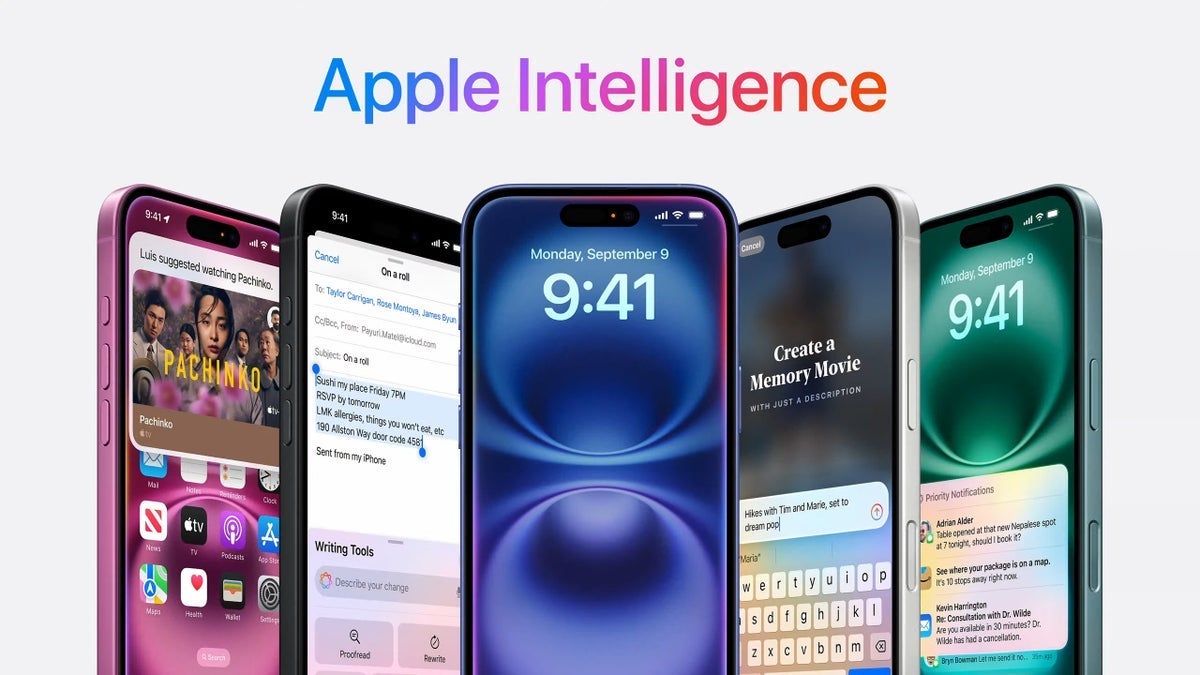
You start with something as mundane, and as essential, as maps.
Google quietly showed this with its Pixel line. On paper, the headline AI trick on Pixel is Gemini, but what really changes the way people use their phones are tools like Camera Coach and Magic Cue. These are not toys; they are subtle assistants that sit in the background, watch what you are trying to do, and then step in at exactly the right moment. That is the bar Apple now has to meet with Apple Intelligence inside Apple Maps.
Google's example: AI that understands the moment
The best illustration of helpful AI on Pixel is Camera Coach. You open the camera to take a photo and, instead of giving you a dozen artsy filters, the phone quietly analyzes the scene. Gemini looks at the framing, lighting, subject position, and movement. Then, on-screen prompts nudge you: step a little to the left, tilt down, switch to the telephoto lens, bump the exposure. It is coaching, the way a human photographer might stand behind you and gently suggest small corrections that turn a throwaway shot into something worthy of your memories.
That is AI done right because it respects context. You already decided what you want to do: capture a moment. The software simply helps you do that better. Contrast this with something like Apple's Image Playground, which might be fun to tap around in but does not solve a real problem for most iPhone owners. Generating whimsical images is cool for a few minutes; helping you reliably take better pictures is useful every single day.
Then there is Magic Cue, which Google hyped heavily at its latest Pixel event. The presentation itself may have stumbled by bringing in late-night talk show energy, but behind the awkward jokes there was a clear philosophy articulated by Google's Senior VP of Platforms and Devices, Rick Osterloh: their AI should be proactive, not reactive. It should anticipate what you are trying to get done on your phone and quietly prepare the pieces you will need.
Magic Cue: a glimpse of proactive assistance
Magic Cue is still a work in progress, but the core idea is powerful. Imagine calling an airline to change your booking. The moment you dial Puddle Jumpers Airlines, Magic Cue is meant to recognize the context, pull up your upcoming flights, and keep your reservation details ready as a tappable card on screen. Instead of digging through confirmation emails or jumping between apps, your data is just there, waiting for the support agent to ask for it.
In messaging, the same intelligence shows up in a different form. Suppose you are texting a friend who is picking you up from the airport. They ask, 'What time do you land tomorrow?' Magic Cue is supposed to understand that this is a request for flight information and surface a little chip inside Google Messages containing your arrival time, airline, and maybe even the terminal. One tap, and the full details drop into the chat. No copy-paste, no searching, no friction.
Early versions have been inconsistent, sometimes failing to appear when you expect them. But the direction is unmistakable: AI that quietly reduces the number of steps between intent and result. You know what you want; the phone fills in the details.
Apple Intelligence finds its footing in Apple Maps
After years of prioritizing spectacle over utility in some AI demos, Apple finally seems to be absorbing this lesson. Across the system, Apple Intelligence–powered search is starting to appear in places that actually matter, from Photos to Apple Music to the Apple TV app. The most interesting test bed, though, might be Apple Maps.
With iOS 26, Apple has rolled out a new generation of Apple Maps search built around natural language. If you have updated your iPhone and open Maps, you may see a popup that reads, 'Search The Way You Talk.' The promise is simple but transformative: instead of forcing you into rigid keyword queries and manual filters, Maps should understand the same kind of request you would make to a friend sitting in the passenger seat.
On the surface, this may sound like a minor tweak. After all, voice assistants have been accepting natural language for years. The difference here is that the intelligence is fused directly into the search engine for places, not bolted on top as a separate assistant. You are not asking Siri to find something; you are simply describing what you want, in plain language, to Apple Maps itself.
From stiff filters to conversational search
Previously, getting specific in Apple Maps often meant fiddling with multiple filters or doing a sequence of separate searches. Maybe you wanted somewhere to eat, but not just any restaurant. You might want a place that stays open late, has good reviews, and offers outdoor seating. With classic search, you would start with 'restaurants,' then pan and zoom on the map, open a few cards, and mentally filter as you go.
Now, with Apple Intelligence woven into Maps, you can simply type something like: 'Show me highly rated Italian restaurants with outdoor seating that are open after 10 pm.' That single sentence carries multiple constraints: cuisine type, quality, seating style, and opening hours. Instead of forcing you to think like a database, Apple Maps learns to interpret your normal speech.
This conversational model brings Apple closer to the standard that tools like Magic Cue are setting on Pixel: reduce friction, reduce repetition, and understand what the user really means on the first try. You are no longer wrestling with the interface to make yourself understood; the interface adapts to your language.
Why Apple Maps is the perfect AI proving ground
Maps is one of the best places for Apple to show that Apple Intelligence is more than marketing. When you are on the move, every second and every tap matter. No one wants to stand on a sidewalk repeatedly rephrasing a query or flipping toggles just to find a decent cafe with Wi-Fi. If natural language search in Apple Maps does its job, you ask once and get a list that genuinely matches what you had in mind.
It is also a subtle way for Apple to rebuild trust around its AI story. Users do not need to understand how the large language model works or how many parameters it has. What they will notice is that searching for 'quiet coffee shops near me where I can work late' suddenly gives them relevant options, instead of a scattershot list of any nearby cafe.
Crucially, this approach aligns with Apple's privacy-first messaging. Instead of pushing generative gimmicks that demand oceans of user data, Apple can focus on on-device understanding of intent, richer place descriptions, and smarter ranking. The intelligence is in the interpretation, not in generating artificial content for its own sake.
One clear question: does it make your life easier?
The real test for any of these AI features, whether Google's Magic Cue or Apple's 'Search The Way You Talk' in Maps, is brutally simple: does this actually make my life easier? If Apple's implementation works as promised, you should no longer have to run multiple searches or keep tweaking your wording to get the results you want. Your first attempt should be enough.
That is the shift Apple needs Apple Intelligence to embody. Not a parade of novelty features, but a quiet layer of understanding that sits behind the apps you already use and removes tiny bits of friction all day long. In that sense, Apple Maps might end up being the unsung hero of Apple's AI pivot: not the flashiest demo, but the feature that finally makes Apple Intelligence feel indispensable.
3 comments
sounds cool but I bet it still tells me to ‘head north’ when I have no idea where north is lol
as long as it works offline and doesn’t kill my battery, I’m in. otherwise just marketing bs again
article is 🔥, explains the difference between toy AI and actually helpful AI really well