Adobe Premiere finally arrives on iPhone, bringing professional-level video editing tools to the palm of your hand. For years, creators have relied on Premiere Pro on desktops and laptops to handle everything from YouTube uploads to feature-length productions. 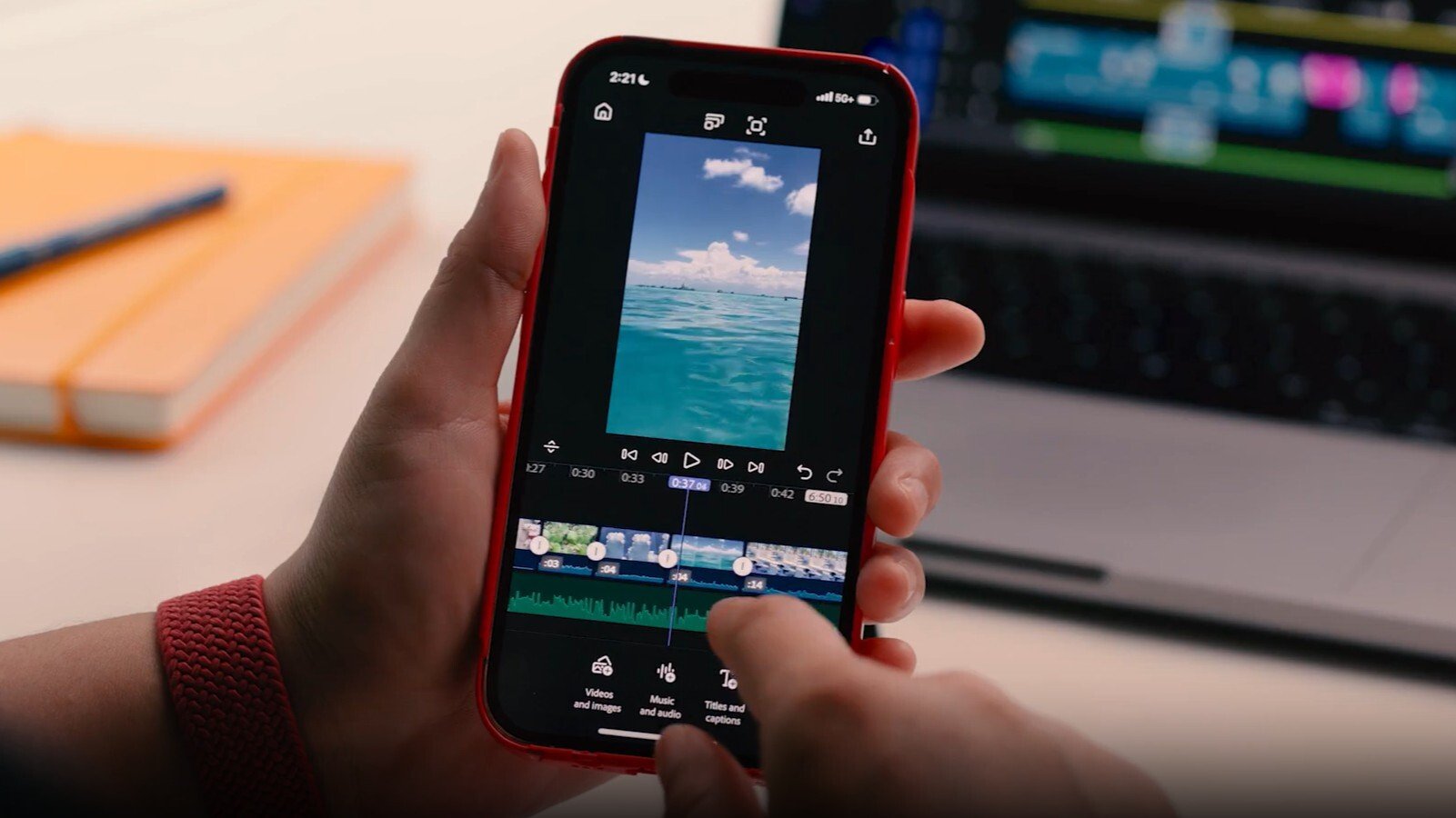
Now, with the iPhone version officially available, Adobe is aiming to redefine what mobile video editing can look like.
The iPhone edition of Premiere isn’t just a stripped-down experiment. It has been carefully adapted for a mobile-first workflow, designed to maximize editing efficiency without sacrificing creative control. Users can trim clips with frame-by-frame precision, layer multiple video and audio tracks, and apply fine-tuned adjustments directly from their device. With support for 4K HDR output, unlimited tracks, and automatic captioning, the app offers a surprising level of power for something that fits in your pocket.
Beyond standard tools, Adobe has introduced features that cater directly to today’s creators who publish across multiple platforms. One standout capability is automatic resizing, which adjusts aspect ratios while keeping the main subject perfectly centered – ideal for pushing content to TikTok, YouTube Shorts, Instagram Reels, or even traditional widescreen platforms without manually re-cropping. Seamless export options allow projects to be sent straight to these platforms or transferred into Premiere Pro for more advanced desktop editing.
A particularly exciting integration is with Adobe Firefly, the company’s AI-powered creative suite. Through Firefly, users can generate stickers, images, and additional visual assets directly within the app, all using licensed models. This is a huge step forward for mobile editing, giving creators the ability to add professional-grade effects and visuals without third-party apps.
Accessibility has been a key focus. Premiere for iPhone is free to download on the App Store and comes without intrusive ads. However, advanced options such as expanded cloud storage and AI-enhanced tools – like generative highlight reels – require a subscription plan. The app isn’t limited to the iPhone either: it works on iPads running iPadOS 17 and even supports Apple’s Vision Pro headset, showcasing Adobe’s broader commitment to cross-device workflows.
For casual editors, Premiere’s arrival on iPhone means you can capture and polish a quick clip while commuting or during travel, then instantly upload it to your audience. For professionals, it introduces a faster way to draft edits on location, with the option to finalize projects later on a desktop. While some creators will always prefer the comfort of larger screens for complex timelines, there’s no denying that this release is a major milestone for mobile video editing. The combination of pro-level features, Firefly AI integration, and cross-platform fluidity makes it one of the most compelling editing apps currently available on iOS.
Adobe Premiere on iPhone is not just a convenience – it signals the next phase of video editing where mobility, speed, and creativity blend together seamlessly. For today’s fast-paced content landscape, that’s a game changer.
3 comments
firefly stickers are actually dope ngl
bro why would anyone edit big projects on a tiny screen tho
lol editing a movie on iphone sounds crazy but kinda cool