Android 16 quietly introduced one of those features that makes tech reviewers rave and most people simply shrug: the new 90:10 split-screen multitasking layout. On paper, it is a beautiful solution. One app occupies almost the entire display, while a second app lives in a slim strip along the side or top. Tap the smaller app and they instantly swap roles. 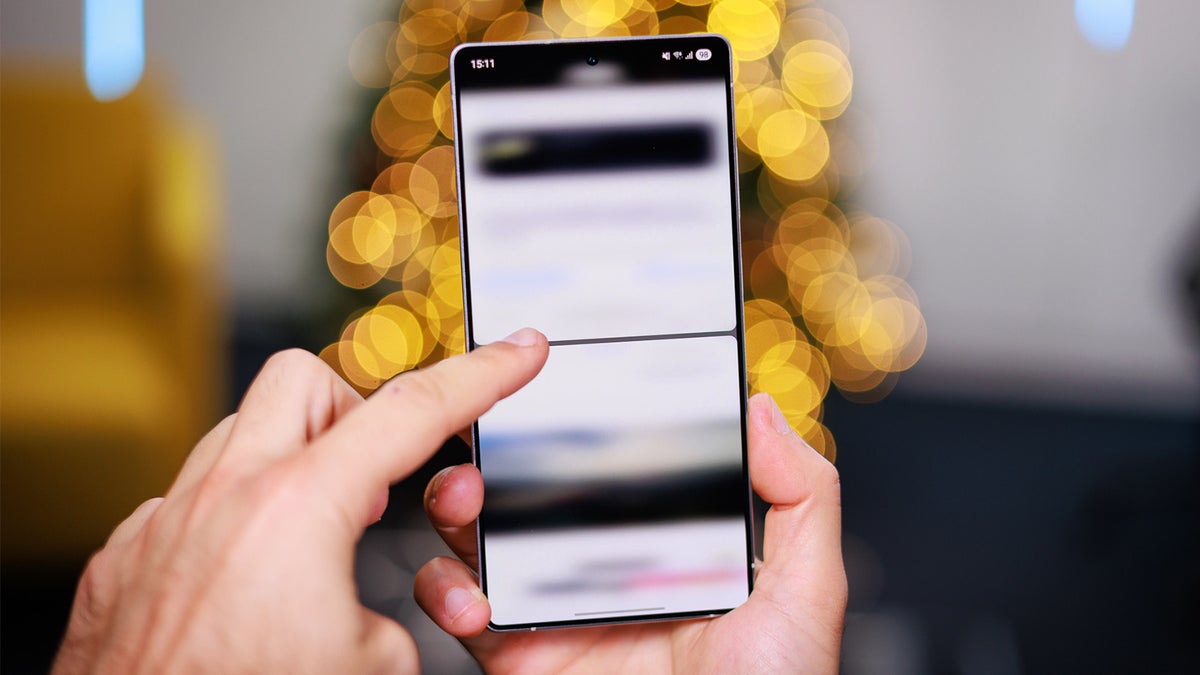
No fiddling with resize bars, no dragging windows around, just a quick, elegant flip between two tasks that feels almost like magic.
The idea itself is not completely new. OnePlus experimented with a similar philosophy through its Open Canvas concept on foldable phones, where apps can sit partially off-screen and slide into view when you need them. Android 16 takes a more traditional approach, but the logic is the same: stop pretending that two apps on a phone are equal partners. In real life, there is almost always one main activity you care about and a secondary one you occasionally check, whether that is a chat thread, navigation, or a video.
Here is the irony: even as someone who lives on Android devices, I keep forgetting that 90:10 split-screen is there. I set it up, play with it, admire how clever it feels, and then slip straight back into my old rhythm of just switching between full-screen apps. Whenever I ask friends or readers whether they use split-screen on their phones, the most common responses are some version of almost never or I did not even know that was a thing. For a feature that is technically impressive and genuinely well designed, that is a strange reality.
This disconnect highlights an uncomfortable truth for phone makers: no matter how advanced mobile multitasking becomes, smartphones are still fundamentally single-task devices. Even with massive 6.8-inch displays, high refresh-rate panels, and laptop-level processors, a phone is usually used in motion and in chaos. You are checking something in a shop, scrolling on the sofa while half-watching TV, killing time in a bus queue, or replying to a message while walking. Proper multitasking, in the sense of paying attention to two flows of information at once, is hard enough on a quiet laptop, let alone on a small screen while the real world is shouting at you.
Think about the last time you grabbed your phone. Maybe you quickly checked a notification, searched for an address, answered a message, glanced at your calendar, or doomscrolled through social media. None of those actions naturally lead to rearranging your interface into two side-by-side windows, adjusting a ratio, and carefully managing tiny panes of content. When the work becomes serious enough to need multiple apps visible at once – writing long text, assembling research, editing documents – most people instinctively move to a laptop or tablet, where a keyboard, trackpad, and large windows make multitasking feel natural instead of cramped.
This is why the real-world use cases for split-screen on a phone are far narrower than the marketing demos suggest. In presentations, you always see dramatic examples: a document on one side and notes on the other, a browser stacked above email, or a spreadsheet sharing space with chat for hyper-productive on-the-go work. Technically, Android 16 with its 90:10 layout can do all of that. Practically, very few people are going to draft a long report or manage a complex spreadsheet on a six-inch display while half-standing in a crowded cafe line.
Meanwhile, the ways we actually multitask on phones are already handled by other, more effortless features. Picture-in-picture turns a video into a floating thumbnail while you reply to messages or scroll the web. Pop-up overlays keep navigation and media controls accessible without forcing a full split view. For many common scenarios – watching a video while browsing, following Maps while chatting, keeping music controls nearby – Android’s existing pop-ups are more than enough. In those situations, a rigid 90:10 split can feel like overkill, because it permanently reserves part of the screen for an app you only occasionally need, while shrinking your main app more than you would like.
Then there is the friction of getting into split-screen in the first place. On most Android 16 phones, invoking 90:10 still means going through a small ritual: open the Recent apps view, tap an app icon, choose split-screen, select the second app, and then adjust the divider until you reach the 90:10 ratio. It works, but it feels like you are configuring a feature rather than just using your phone. By the time you finish that sequence, it often would have been faster to simply jump between two full-screen apps with a quick swipe gesture.
Pop-up behaviours feel completely different. Start a YouTube video and go Home, and it automatically shrinks into picture-in-picture. Launch navigation, and Maps keeps providing glanceable directions above whatever else you are doing. These flows match how we actually live with phones: one primary task in front of us, with occasional glances at supporting information. No menus, no ratios, no mental overhead; everything just happens.
None of this means that 90:10 is a failure. In fact, it makes far more sense when you stretch the canvas. On a foldable phone opened into tablet mode, or on a slab phone propped on a stand next to a Bluetooth keyboard, the 90:10 concept starts to look genuinely powerful. A browser or document can dominate the display while a messaging app, task list, or notes app sits permanently docked in the narrow strip. Quick key combos or gestures to swap focus between the two could turn this into a genuinely desktop-like workflow, where the secondary app is always there but never overwhelming.
On a traditional candy-bar phone held in one hand on the move, though, 90:10 still feels like an experiment in squeezing two workflows into a space that barely fits one. You can absolutely find edge cases where it is handy – keeping your ride-hailing app visible while you chat, watching a match in the side strip while browsing stats, monitoring a group chat while reading – but those do not fundamentally change how we use our phones. After more than a decade of smartphones, we have trained ourselves to bounce between apps quickly rather than keep them on screen together.
In that sense, Android 16’s new split-screen mode ends up serving as a kind of flex for the platform as much as a practical tool. It is a very visible way for Google and its partners to say: look, Android treats apps like windows, we can play with ratios, we can do asymmetric layouts, we can offer things your iPhone simply does not. For enthusiasts and power users, that matters. It solves very specific annoyances and opens up workflows that were previously awkward. But for most people, it remains a buried option that they might stumble upon once, forget about, and never deliberately invoke again.
And maybe that is fine. Not every clever feature has to become a daily habit to be worth building. 90:10 split-screen multitasking shows that Android is still willing to experiment with how phone interfaces work, even if mainstream behaviour is slow to change. The bigger pain points of mobile life – constant notifications, distractions, fragmented attention – are not going to be fixed by docking a second app to the edge of the display. They require a rethink of how we design alerts, focus modes, and digital boundaries, not just how we partition pixels.
Until that reckoning arrives, I suspect many of us will follow the same pattern: occasionally rediscover 90:10, enjoy how slick and futuristic it feels, show it off to a friend as proof that Android is more flexible than iOS, and then drift back to single-tasking with very fast app switching. Phones, for now, remain tools for quick bursts of attention rather than true multitasking stations. It might take a much bigger shift – maybe lightweight AR glasses or truly modular, expanding screens – before we genuinely want two apps sharing our field of view on the smallest screen we own.