Apple’s iOS 26 arrived with an ambitious redesign called the Liquid Glass interface – a bold attempt to modernize iOS, but one that quickly divided opinion. Many users appreciated the glossy, futuristic look reminiscent of molten glass flowing under light, while others found it far too reflective and distracting. Critics even joked that it was Apple’s own version of Windows Vista’s Aero Glass – all shimmer, less practicality. 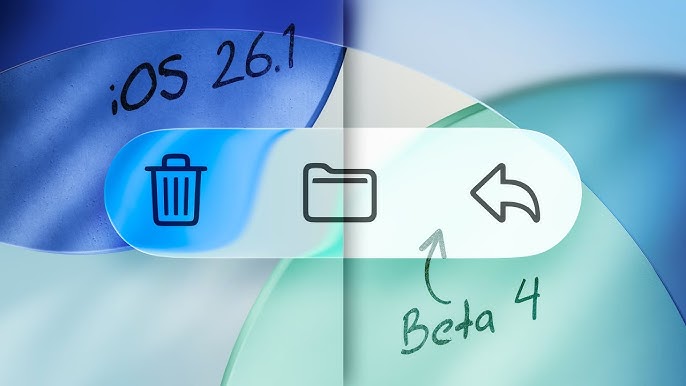
Transparency levels, in particular, became a hot topic, with some saying the blurred backgrounds made text harder to read and icons float awkwardly on the screen.
In response to this wave of mixed feedback, Apple’s upcoming iOS 26.1 beta introduces a subtle yet important tweak – the ability to tone down the Liquid Glass effect. Available starting today for beta testers, the update brings a simple toggle in Settings > Display and Brightness labeled ‘Clear’ and ‘Tinted.’ The ‘Clear’ option maintains the familiar high-transparency aesthetic, while ‘Tinted’ increases opacity and contrast, providing a less distracting, more usability-focused interface. Although it’s not a customizable slider (a feature some users are still begging for), this new toggle already feels like a small but significant quality-of-life improvement.
Apple has been gradually softening Liquid Glass since the first iOS 26 betas, but the company’s decision to make transparency adjustable suggests it has listened to widespread complaints. For many users – especially those who struggle with eye strain or find the interface overly reflective in dark mode – this change could make iOS 26.1 genuinely more comfortable to use. The same options are also appearing in the macOS Tahoe 26.1 and iPadOS 26.1 betas, creating a consistent visual experience across devices.
Beyond aesthetics, the debate has sparked broader criticism about Apple’s design direction. Some long-time fans wish Apple would let them switch back to a ‘Classic Mode’ resembling iOS 17, complete with all the modern backend improvements but without the flashy surface. Others sarcastically note that Apple is once again solving problems it created itself – ‘fighting its own design wars,’ as one commenter put it. Still, for users frustrated by the overly glossy visuals and reports of higher battery drain linked to Liquid Glass rendering, this new transparency toggle might finally make iOS 26.1 feel less like an experimental art project and more like a practical, polished operating system.
1 comment
bro why not just give us a proper slider, this toggle is weak af