Google Chrome is preparing to tackle one of the most persistent annoyances in modern browsing – endless website notifications. Whether you’re on your phone or computer, those pop-ups asking for permission to send alerts can quickly spiral out of control. 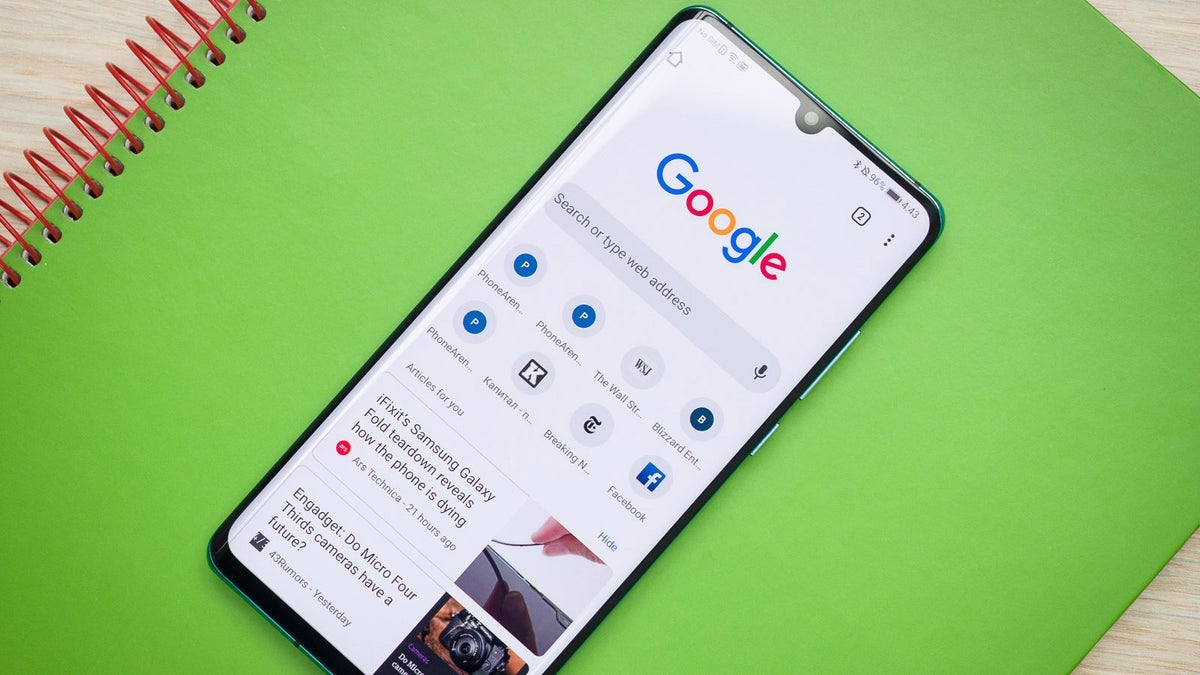
Now, Chrome is getting smarter about which notifications deserve your attention and which ones to silence automatically.
In the upcoming update, Chrome on both Android and desktop will introduce a new feature that automatically reduces the flood of notifications from sites you rarely visit. The idea is simple but clever: Google will quietly revoke notification permissions from websites that blast users with constant alerts yet receive little engagement. This means that if a site spams notifications but you hardly click or visit it, Chrome will step in and mute it on your behalf.
When this happens, users will receive a friendly notice stating, “Chrome unsubscribed you from notifications.” The feature is part of Chrome’s ongoing Safety Check system – a broader privacy and security initiative designed to remove permissions like camera, location, and notifications from websites you don’t interact with often. If you change your mind, it’s easy to reverse. Simply go to Settings > Safety Check, tap View sites, and press Restore next to the ones you want to re-enable.
Google’s internal testing revealed fascinating insights. The company found that the feature led to a significant drop in notification overload while barely affecting how many notifications users actually interacted with. In fact, websites that reduced the number of alerts they sent were visited more often. That’s not surprising – fewer interruptions make browsing smoother and more enjoyable. According to Google’s data, fewer than 1% of web notifications receive any user interaction at all, proving that most alerts go completely ignored.
One caveat: the feature won’t apply to Progressive Web Apps (PWAs). These web-based apps function more like native apps and manage notifications independently of Chrome’s permission system. So if you’ve installed a web app, it will continue sending notifications as usual.
To manually check your settings, open Chrome on Android, tap your profile icon, and navigate to Settings > Safety Check. If you see “Permissions look good,” that means Chrome has already reviewed your sites and removed abusive or outdated permissions. You can also check under Privacy and security > Site Settings > Notifications for more granular control.
This upgrade isn’t just about convenience – it’s also a security measure. The Safety Check feature was first introduced to help users avoid malicious or fraudulent alerts disguised as system messages. By automatically removing permissions from suspicious or forgotten websites, Chrome lowers the risk of phishing attempts and deceptive pop-ups that trick users into unsafe actions.
In practical terms, Google is betting that if you haven’t visited a site in months, you likely don’t care about its notifications. By cleaning up old permissions, the browser becomes quieter, safer, and faster. It’s an elegant balance between user freedom and intelligent automation. Many users already feel swamped by notifications – from emails to social apps – so Chrome’s decision to take initiative here could make digital life a little less chaotic.
The rollout is expected soon, possibly within the next week, or it may coincide with the next Android feature drop. Once live, this smart notification management could redefine how browsers handle user attention – not through control, but through calm.
6 comments
cool update, tired of random popups from old sites
finally! my phone is gonna stop buzzing every 2 mins 😭
bout time chrome did something smart lol
doesn’t work with PWAs? bummer, I use one daily
1% interaction?? wow people really don’t click those 😆
hope this doesn’t mute my fav news sites tho 😅