Unlock the Hidden Power of Google Maps: Customization Tips That Transform How You Travel
For most people, Google Maps is just a navigation tool – something to get you from point A to point B. But those who take a closer look quickly realize that it’s far more than that. The app has evolved into a smart companion for exploring cities, planning vacations, and discovering the world around you. With a few smart tweaks and creative uses, Google Maps can turn into your ultimate personal assistant for food, travel, and even entertainment recommendations.
Google recently shared a set of customization tips that show how flexible and fun the app can be. These updates are not just about making navigation smoother – they also turn Maps into a visual diary, a trip planner, and even a mood board for your adventures. Whether you’re an iPhone user downloading from the App Store or an Android fan getting it from Google Play, these features can make every journey smarter and more personal.
Create Personalized Itineraries with Emojis and Screenshots
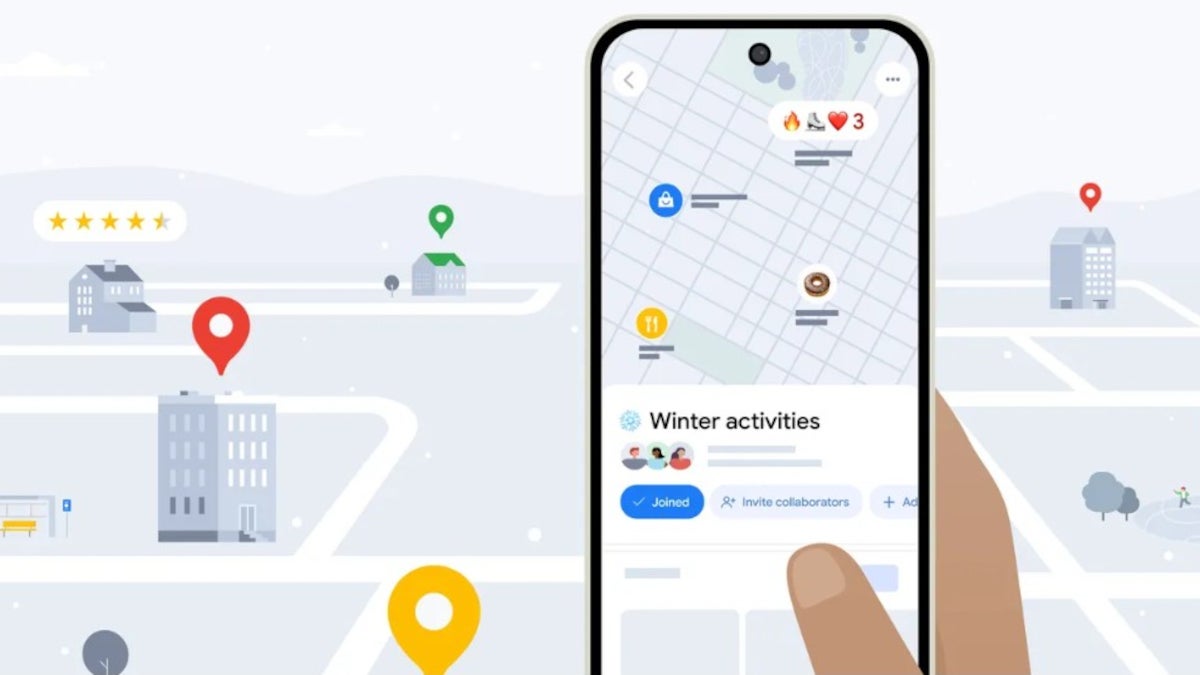
One of the most delightful features in Google Maps is the ability to create and personalize lists of your favorite spots. Let’s say you’re on a mission to find the best burgers in town. You can open a new list, name it “Burger Quest”, and give it a fitting emoji – maybe a 🍔 for simplicity or 🤢 for that cheeky humor only your friends will get. To set one up, just search for a place, tap the “Save” button, and then name your list. Choose an emoji icon, and tap “Create.” Now you’ve got your personalized list of favorite hangouts or food spots.
But Google didn’t stop there. If you’re planning a trip, you might have a habit of taking screenshots of social media posts, articles, or comments about destinations you’d like to visit. With Google Maps’ new screenshot recognition feature, the app can now identify the names of places within your photos and add them directly to a custom list. It’s like having your own AI-powered travel planner built right into the app. When this feature detects a recognizable location in your screenshot, it offers to save it to your travel list automatically. You can then review it, approve it, or even move it to another list later on.
To try this, go to the “You” tab in the Maps app. At the top, you’ll see a section labeled “Screenshots” with a badge saying “Try it out!” Once you tap it, a short tutorial video will show you how it works. The app will request permission to access your photos, and you can decide when it should have access – always, never, or manually. The next time you take a screenshot that includes a location name, open Maps, and it will offer to save that place for you. You can also upload screenshots manually from within the “Screenshots” list. It’s a simple but incredibly efficient way to collect travel ideas without juggling between apps.
Never Miss an Appointment: Set Smart Departure or Arrival Times
We’ve all been there – scrambling to leave for a meeting or event, wondering if we’re running late. Google Maps now makes that anxiety a thing of the past. Once you’ve set your Home and Work addresses, Maps can calculate exactly when you need to leave based on real-time traffic. You can even add icons for home and work – pick from dozens of symbols to personalize how these places appear on your map.
To enable this, open Google Maps, tap your profile photo, and select Settings > Edit home or work. Once configured, you can search for any destination and select Directions. Then, open the three-dot menu and choose Set depart or arrive time. A time wheel will appear – just set whether you want to arrive or leave by a specific time, and Maps will automatically calculate your ideal departure moment. The app will even send reminders so you can plan your day more efficiently. No more guessing or last-minute rushes – Maps takes care of the timing for you.
Travel in Style: Customize Your Driving Experience
One of the more playful yet satisfying customization options lets you change the traditional blue navigation arrow into a vehicle icon that suits your personality. Whether you prefer a red sports car, a pickup truck, or a whimsical minivan, you can pick an avatar that matches your vibe. While this might sound like a small detail, it adds a touch of personality to every trip and makes driving navigation feel uniquely yours.
But personalization isn’t limited to visuals. The app’s built-in restaurant filters let you search for exactly the kind of place you’re in the mood for. Type “restaurants” or “coffee shops” into the search bar, and then refine your results by choosing cuisine type – Thai, Mexican, or American – or by filtering based on price range. You can even tap “Open now” to find spots that are currently serving. These filters turn Google Maps into your real-time dining guide, showing you the perfect meal at the perfect moment.
Integrate Gemini and Future AI Features
With Gemini integration on the horizon, Google Maps is set to get even smarter. Soon, you’ll be able to ask Maps more conversational questions, like “Find me a scenic route to the coast without tolls” or “Show me coffee shops near art galleries in Paris.” These AI-powered recommendations will take personalization to the next level, predicting not just what route you want, but what experience you’re looking for. It’s part of Google’s larger plan to merge navigation with discovery and lifestyle guidance – making Maps less of a tool and more of a companion for your adventures.
The Ultimate All-in-One Travel Companion
When you put all of these features together, Google Maps becomes more than a navigation app – it’s your personal guidebook, scheduler, and travel assistant rolled into one. You can map your next road trip, plan a weeklong vacation, or simply find a coffee shop that matches your mood, all within one app. Whether you’re using the latest Pixel or an iPhone running iOS 26.1 Beta, these customizations ensure your experience is tailored perfectly to you.
So, next time you open Google Maps, don’t just type in your destination. Take a moment to explore these customization tools and see how they can make your digital journeys more personal, efficient, and enjoyable. Google Maps isn’t just about getting there anymore – it’s about discovering everything along the way, your way.
2 comments
love the car icon customization, mine’s a pink truck now 🚚💖
kinda weird it’s on iPhone first tho… come on Google 😒