Samsung has once again managed to breathe new life into its foldable devices, particularly the Galaxy Z Fold 7 and Z Flip 7, by significantly upgrading DeX through the newly released stable One UI 8 update. For years, Samsung DeX has been an ambitious project – essentially a desktop environment that transforms a smartphone into a PC-like experience when connected to an external monitor. 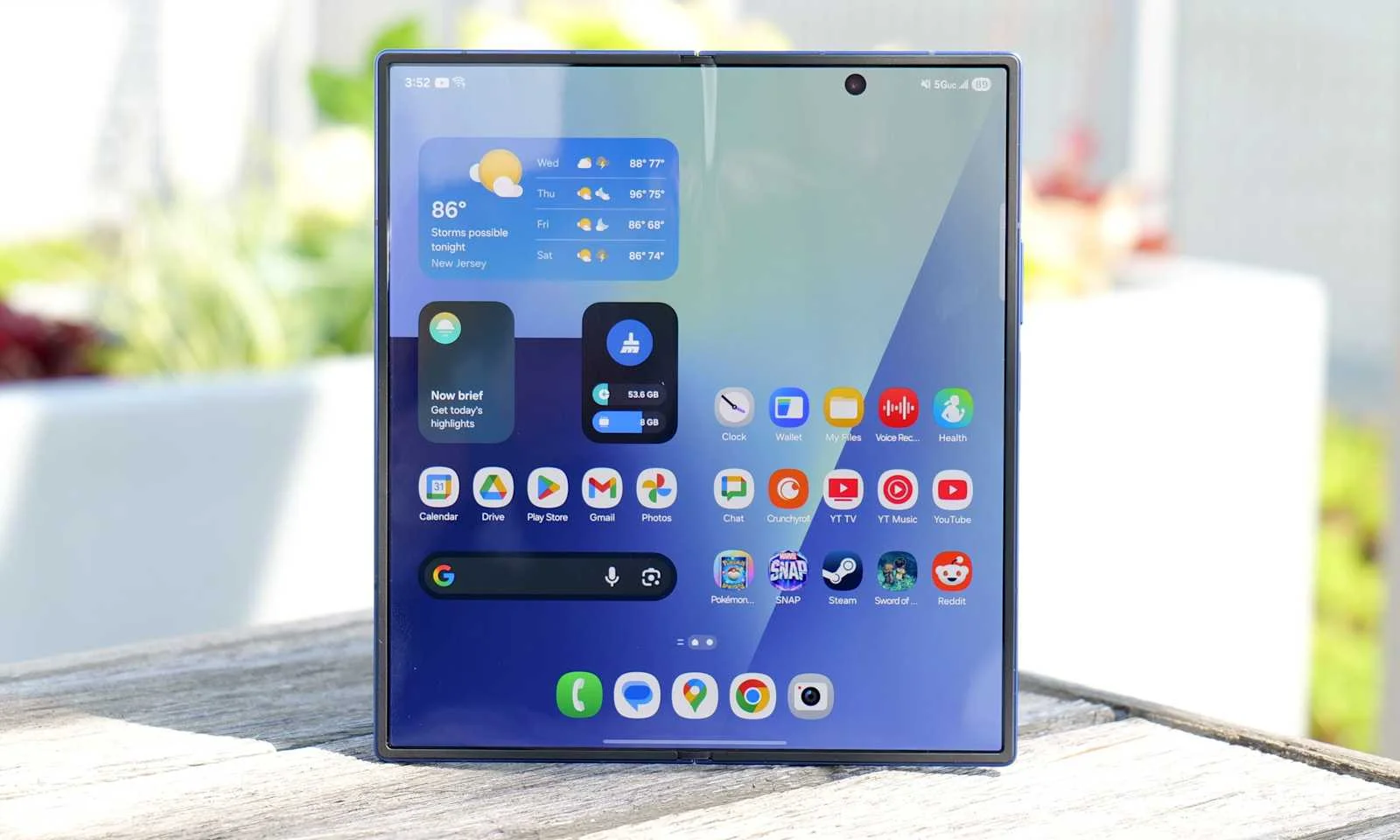
However, despite its potential, DeX sometimes felt like a half-finished experiment. With the changes introduced in One UI 8, that perception is beginning to shift dramatically.
Rebuilding Samsung DeX from the ground up
The most striking part of this update is that Samsung has fully rebuilt DeX on top of Google’s Android Desktop Mode. While this move initially caused concern among some long-time users, fearing a downgrade from the established DeX platform, it now looks like the first real step toward a more sustainable and future-ready environment. By aligning with Google’s desktop framework, Samsung gains the ability to tap into broader Android improvements, ensuring that DeX doesn’t remain an isolated experiment but evolves alongside the operating system itself.
New features make DeX actually usable daily
Among the immediate improvements, users of the Galaxy Z Fold 7 and Z Flip 7 can now enjoy home screen widget support within DeX, a feature many had been requesting for years. Widgets allow for a more personalized and practical desktop, bringing information and shortcuts to the forefront rather than forcing users into a rigid app grid. Samsung also introduced new keyboard customization options, including controls for where and when the on-screen keyboard appears, making the foldable experience more seamless.
The Now Bar has also received meaningful updates. Integration with Google Finance means stock alerts can be viewed directly from the bar, without unlocking the phone or digging through apps. For business users and investors, this is a major quality-of-life improvement, turning the Z Fold 7 into not only a communication and entertainment device but also a serious productivity tool.
Better multitasking and smoother controls
Multitasking – one of the main selling points of foldables – is now better supported in DeX. A newly added full-screen button is visible in the app header, making it easier to maximize windows in one click, a convenience that was previously hidden away in menus. This small but important tweak mirrors what Samsung trialed on the Galaxy S25 series and now rolls out more widely. Users can also pin any app to the taskbar in DeX, significantly improving workflow for those who juggle multiple apps at once.
On top of that, Samsung has refined how input devices behave. Mouse settings and on-screen keyboard preferences are now directly controllable, giving users better command over their hybrid phone-laptop environment. It’s these small but cumulative upgrades that make DeX feel less experimental and more like a genuine productivity suite.
Room for growth: what’s still missing
Despite the major step forward, there are still some areas where DeX lags behind its earlier, more polished self. For instance, the current version cannot yet disable mouse continuity across multiple displays. Fortunately, this limitation isn’t permanent – Google is already working to add this functionality to Android itself, which means it will likely make its way into a future One UI release. The partnership between Samsung and Google in this space is critical: as Google continues to evolve Android’s Desktop Mode, DeX will automatically inherit those improvements, ensuring steady progress.
Why this matters for Samsung’s foldables
The Galaxy Z Fold 7 and Z Flip 7 are marketed as productivity-first foldables, but software maturity has often been the missing piece of the puzzle. The One UI 8 update finally makes these devices feel more like true work companions. The blend of widgets, smarter multitasking, and a modernized Now Bar sets DeX up not just as a cool demo but as a daily-use tool for professionals, students, and anyone who wants a phone that doubles as a portable workstation.
Looking ahead
Samsung’s decision to anchor DeX to Google’s Desktop Mode shows the company is thinking long term. Rather than going it alone, Samsung is betting on synergy with Android’s broader ecosystem to make its foldables the ultimate productivity devices. While gaps still remain, the momentum is clear. DeX is no longer a curiosity – it’s evolving into a core feature that could finally deliver on the original promise of foldables: replacing the need for both a phone and a laptop.
At the same time, Samsung’s ambitious One UI 8 update positions it to compete head-to-head with Apple’s iOS 26 rollout. While iPhones may continue to dominate in some areas, Samsung is now offering something unique – a true desktop-class experience that fits in your pocket. For users willing to embrace foldables, the future just got a lot more exciting.
1 comment
cant wait for fold 7 price to drop so i can try it