For years, Google Maps has been the go-to navigation tool for millions around the world, offering reliable directions, real-time traffic data, and increasingly useful features like public transit integration. Yet despite its reputation as a near-essential app for drivers, travelers, and pedestrians alike, one recurring flaw has managed to frustrate users time and again: Google Maps frequently suggests destinations that are closed when people arrive. And the problem becomes even more obvious during active navigation, when users are in motion and trying to add stops along their route.
Google Maps has certainly evolved. 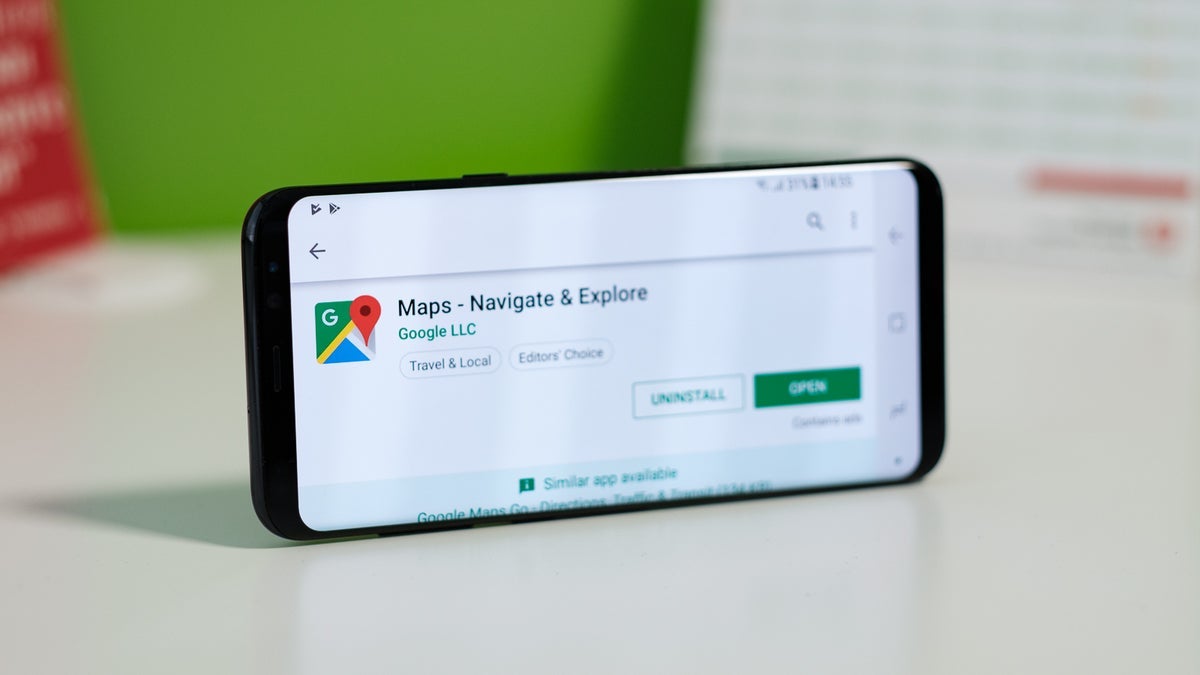
Not long ago, turn-by-turn instructions were purely distance-based. Drivers would hear commands such as “turn left in 500 feet” or “take the next exit in a quarter mile.” These days, Google has taken cues from Apple Maps and now references traffic lights and stop signs in its spoken guidance – much more intuitive landmarks that reduce uncertainty. Hearing instructions like “turn right at the second traffic light” feels natural, aligning the navigation more closely with how people give directions in everyday conversation. It’s one of several subtle but meaningful refinements that make the app feel smarter and more human.
But even the best navigation system can crumble when it directs you to the wrong place at the wrong time. Many users have noted how irritating it is to add a stop mid-journey – whether that’s a coffee shop, a gas station, or a quick detour to a grocery store – only to arrive and discover the doors are locked because the business is closed. In theory, Google Maps does provide the information: place sheets, also known as result cards, list hours of operation. There’s also an “Open now” filter available when conducting an initial search from a static location. Unfortunately, the issue arises when someone is already on an active route and uses the “add stop” feature. At that point, the filter disappears, leaving drivers to roll the dice on whether the places shown are actually open.
It’s a scenario that plays out more often than you’d think. Imagine you’re heading home from work, running on fumes, and craving a caffeine refill. You quickly pull up a coffee shop you recall being nearby and add it to your route. When you finally arrive, the storefront is dark, chairs are stacked, and the sign reminds you the café closed an hour earlier. Not only did you waste time, but you’ve also added unnecessary frustration to what should have been a simple errand. And while the solution seems obvious – just show only open places when people are driving – Google has yet to make that the default behavior.
Other tech journalists and travelers have experienced this problem firsthand. Android Police’s Sanuj Bhatia recounted his trip to Vietnam, where Google Maps frequently pointed him toward restaurants with stellar reviews, only for him to arrive and find the kitchens shuttered. That experience is far from unique. Similar stories flood Reddit, where frustrated users have suggested Google implement smarter defaults. One widely praised idea is simple: when a person is navigating in real time and searching along a route, the app should automatically filter for “Open now” results. After all, when you’re on the road, you’re usually looking for immediate service, not planning for tomorrow’s lunch.
Redditors argue that it doesn’t make sense to force users to manually toggle filters in these scenarios, because the context is already clear. As one user put it, “If I’m driving home and searching for food, what good is a list of closed restaurants? Along-route search should just default to open places – it’s the only logical outcome when you’re moving in real time.” While this may sound like a minor tweak, it’s precisely these quality-of-life improvements that separate a good navigation app from a great one. And with rival apps like Apple Maps steadily catching up, user-friendly changes matter more than ever.
Of course, there are workarounds. Before setting off, you can apply the “Open now” filter while searching from your starting point. You can also manually check business hours in the place sheet before adding a stop to your journey. But these aren’t foolproof, and they demand extra attention when drivers are already juggling directions, traffic, and road safety. The truth is, users shouldn’t need to micromanage filters or double-check the clock just to avoid a locked door. The technology is capable of solving this problem automatically – it just requires Google to prioritize it.
And this complaint isn’t just nitpicking. For small business owners, being listed as “closed” in the wrong context could mean losing potential customers who won’t bother trying again. For travelers abroad, where local closing times may be unfamiliar, it can mean a wasted trip across town. Even for commuters, it transforms what should be a convenient detour into a wasted detour. In short, the issue doesn’t just inconvenience users – it undermines confidence in Google Maps as a reliable companion.
There’s no denying Google Maps remains the dominant player in navigation, packed with features that continue to set the standard. But small gaps in usability – like surfacing closed businesses during live searches – are the sort of things that wear on people, prompting heated debates in forums and prompting comparisons to Apple Maps. Until Google listens and introduces a smarter default filter for along-route searches, users will keep finding themselves pulling up to dark storefronts, wondering why the world’s most powerful mapping app couldn’t save them the trouble.
For now, the advice is straightforward: if you’re planning ahead, check hours before you hit the road. If you’re already driving, know that along-route search won’t spare you from finding a closed sign. And while these are manageable inconveniences, they serve as a reminder that even the best technology still leaves room for improvement.
1 comment
they shud just auto filter open places when ur moving, its not rocket science