Smartphone OLED screens have revolutionized how we experience color and contrast on mobile devices. With their vibrant displays and deep blacks, OLED technology has become a favorite among users. However, there’s a catch that often raises concern: OLED screen burn-in. 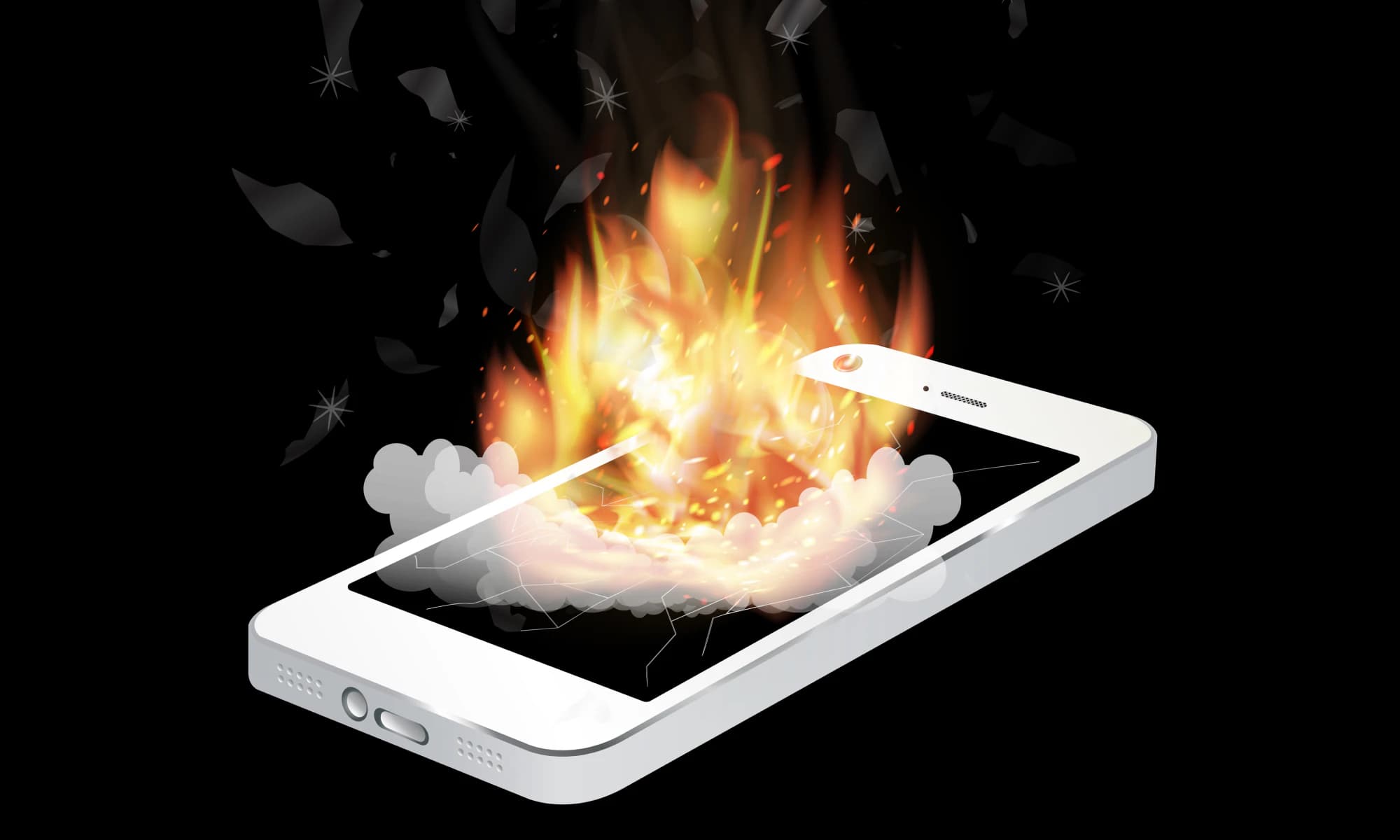
This issue, where static images leave permanent ghostly traces on the screen, has made some users worried about the longevity of their device. But should you be afraid of your smartphone’s OLED screen burning out? Let’s take a deep dive into what OLED burn-in is, why it happens, and how much of a real threat it is to modern smartphones.
What Is OLED Burn-In?
OLED burn-in occurs when certain pixels on the display stop responding to color changes, resulting in persistent, unwanted images or color shifts. To understand this phenomenon, we first need to look at how OLED screens work and how they differ from other types of displays, like IPS (In-Plane Switching) screens.
IPS displays have a backlight that shines through various layers to create the image you see. The backlight passes through liquid crystals and color filters, illuminating subpixels (the smallest units of the display), which emit red, green, and blue light to form a pixel. These three subpixels work together to create a full-color image, and the liquid crystals are manipulated to control the light from the backlight.
On the other hand, OLED displays are fundamentally different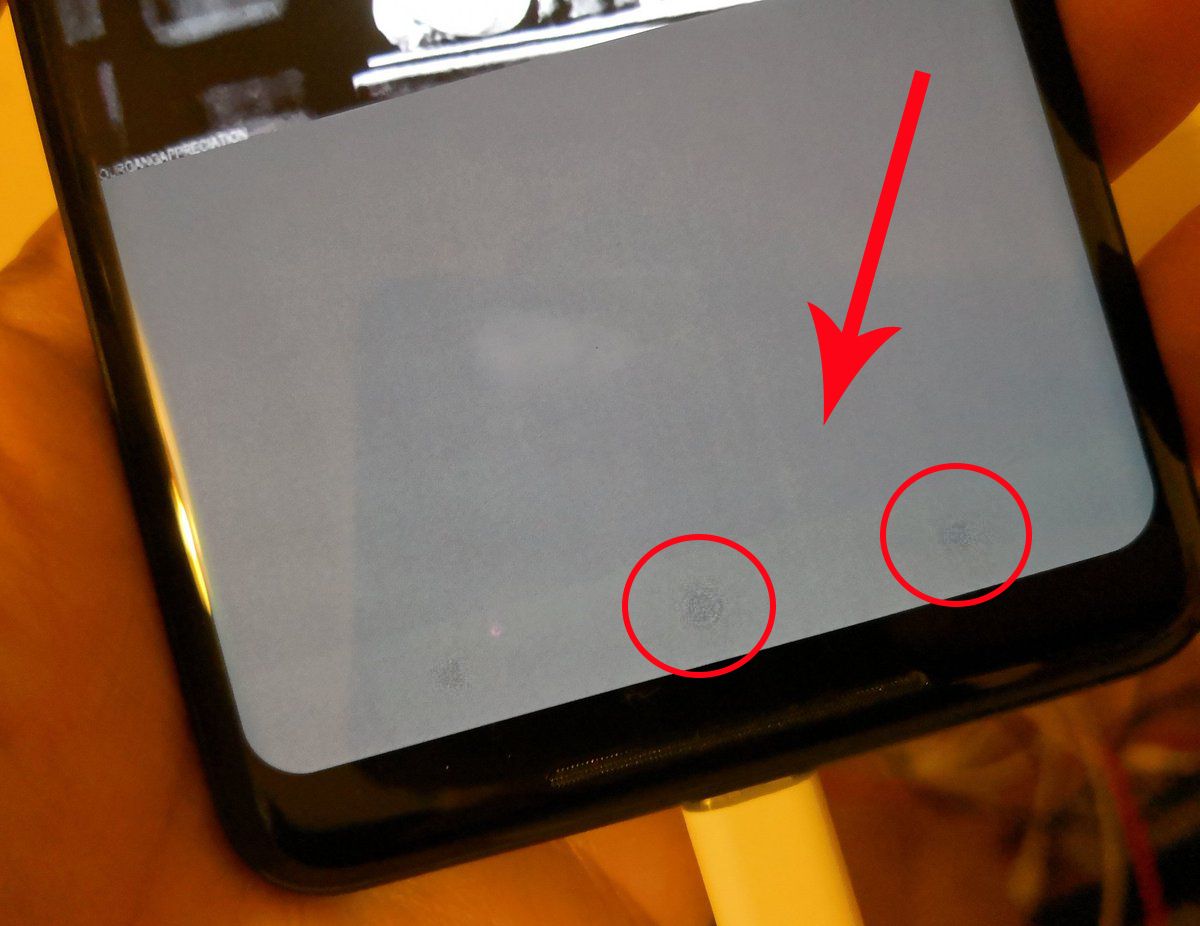
. Instead of a backlight, each pixel in an OLED display is made of organic compounds that emit light when an electrical current is applied. This allows OLED screens to have superior contrast and color reproduction because they can turn off individual pixels to create perfect blacks. But, this unique structure also makes OLED displays more prone to burn-in compared to traditional LCD or IPS screens.
How Does OLED Burn-In Occur?
The primary culprit behind OLED burn-in is the wear and tear on individual subpixels. Over time, the organic materials in OLED pixels degrade, which affects the brightness and color reproduction. Certain colors, especially blue, degrade faster than others. This uneven degradation leads to ghost images or color shifts that become more apparent with prolonged use.
For example, blue subpixels typically wear out more quickly than red or green. Because blue requires more energy to emit light, the blue subpixels degrade faster. This causes the image to lose its vibrancy, and the affected areas may become dim or take on an unnatural tint, like yellow or green.
Another key factor that contributes to OLED burn-in is the static nature of certain on-screen elements. Icons such as the battery, Wi-Fi, and clock are often displayed in the same position on the screen. When these icons remain static for extended periods, they cause constant wear on the same pixels, increasing the likelihood of burn-in.
Lastly, white elements on the screen are a major contributor to burn-in because creating white requires all three subpixels – red, green, and blue – to be lit at full brightness, which causes more stress on the individual pixels.
When Should You Worry About OLED Burn-In?
It’s important to understand that OLED screen burn-in isn’t a sudden, dramatic problem. OLED technology has come a long way since it was first introduced in smartphones back in 2009. While older models were more susceptible to burn-in, modern OLED displays are much more durable and have several features designed to minimize the risk.
For example, you’re more likely to experience burn-in if you regularly leave the screen on full brightness with static content. For instance, if you’re watching YouTube videos without expanding them to full screen, the static elements like the thumbs-up icon or the share button may leave ghost images on the screen. However, if you watch videos in full-screen mode, the pixels are constantly changing, preventing static images from causing burn-in.
Fortunately, OLED burn-in tends to develop gradually. For instance, the lifespan of the weakest blue subpixel is around 15,000 hours. If you use your phone for six hours every day, you could potentially use your phone for nearly seven years before the blue pixels start to degrade significantly. In reality, most people upgrade their smartphones every 3-5 years, so by the time burn-in becomes noticeable, your phone may already be due for an upgrade.
Risk Factors for Burn-In
Budget smartphones are at a higher risk for OLED burn-in due to cost-cutting measures in the manufacturing process. These phones may have lower-quality OLED displays or fewer pixels, which increases the wear on each individual pixel. Mid-range and high-end smartphones generally have better quality OLED screens and may include additional features to prevent burn-in.
How to Detect OLED Burn-In on Your Phone?
Detecting OLED burn-in on your smartphone can be tricky, especially if it’s not severe. However, there are several signs you can look out for:
- Ghost images of icons that appear even when you switch screens.
- Faded spots or a persistent image that doesn’t go away.
- A trace of the status bar or clock remains visible at the top of the screen.
- A “fingerprint” of the clock or static elements that stay visible on the screen.
If you notice any of these signs, it’s likely that your display has started to burn out. Additionally, if the blue subpixels are affected, white colors may take on a yellowish or greenish tint.
There are apps like Screen Test available on both iOS and Android that can help you check the state of your screen. These apps display solid colors like red, blue, and green to highlight any dead or burnt-out pixels. If the screen doesn’t transition smoothly between colors, it could be an indication that some pixels are already showing signs of burn-in.
How Manufacturers Are Fighting Burn-In
To tackle this issue, smartphone manufacturers have developed several strategies to reduce the likelihood of OLED burn-in. Apple, for example, uses algorithms in iPhones to detect and shift static elements like icons and status bars. These algorithms subtly move these elements by a few pixels every so often, redistributing the load across different parts of the screen to reduce wear.
Samsung has also developed a technology called PenTile, which addresses burn-in by altering the size of the subpixels. In PenTile displays, blue subpixels are larger than red and green, which reduces the amount of current needed to maintain brightness. This helps extend the lifespan of the screen by reducing the stress placed on individual pixels.
Preventing OLED Burn-In
While you can’t completely eliminate the risk of burn-in, there are several steps you can take to slow it down:
- Lower the screen brightness to around half of its maximum to reduce the strain on the pixels.
- Set your phone to lock the screen after a short period of inactivity (e.g., 1-2 minutes).
- Use a dark theme, as dark pixels use less energy than bright ones, thus reducing pixel wear.
- Install OLED-friendly shortcuts or minimalist icons that don’t require constant pixel activation.
- Enable color inversion, which changes the screen’s colors to redistribute pixel usage.
These practices can significantly reduce the risk of OLED burn-in and help prolong the lifespan of your smartphone’s screen.
Conclusion
OLED burn-in is not something you should constantly fear, especially with modern smartphones that come with advanced features to protect your display. While it’s true that OLED displays degrade over time, the chances of noticeable burn-in in today’s devices are relatively low, especially if you’re mindful of how you use your screen. By following a few simple tips to reduce the load on your OLED screen, you can enjoy the benefits of vibrant, high-quality displays for years to come without worrying too much about burn-in.
1 comment
Why is blue so much worse for burn-in than the other colors? 🤔